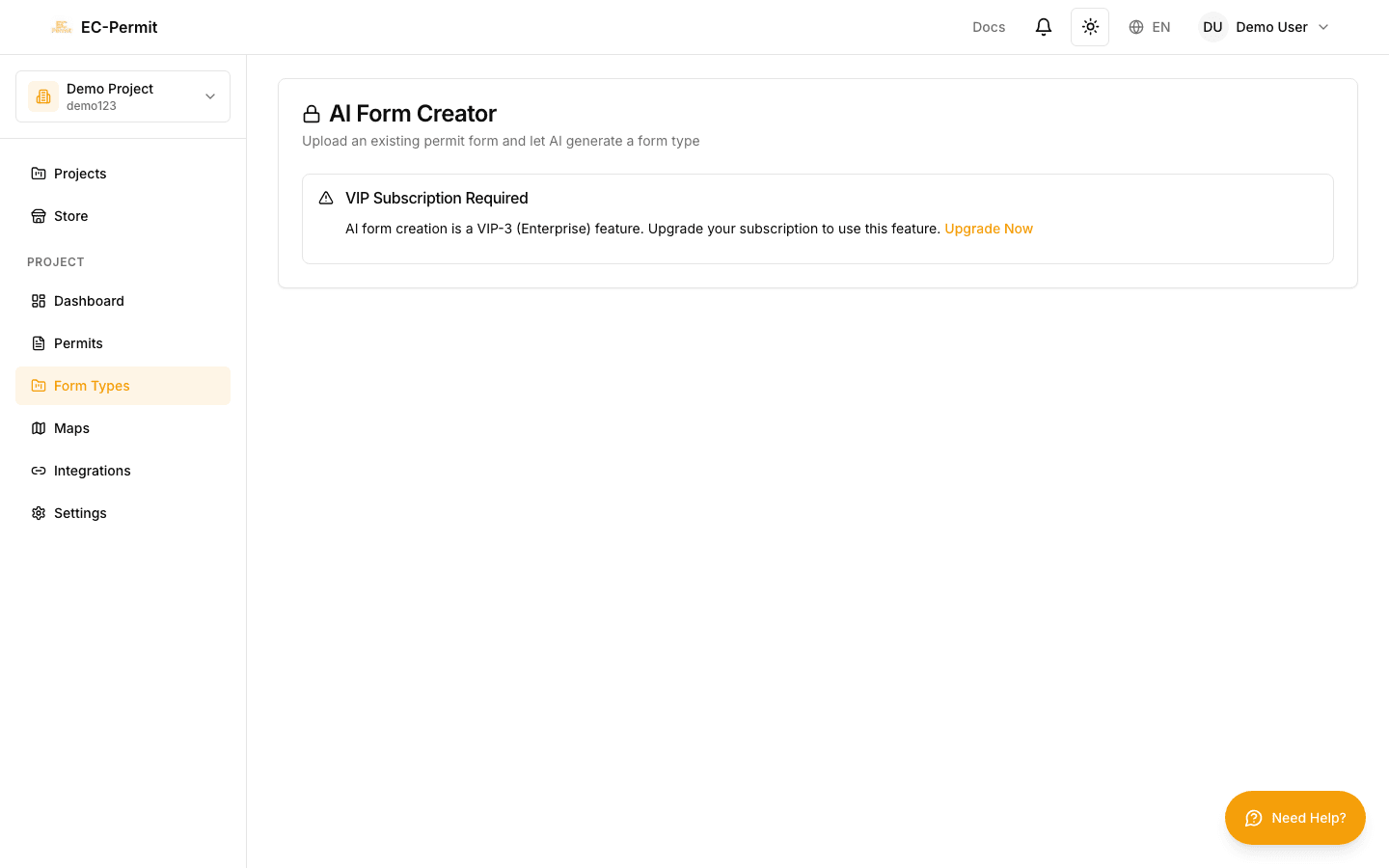
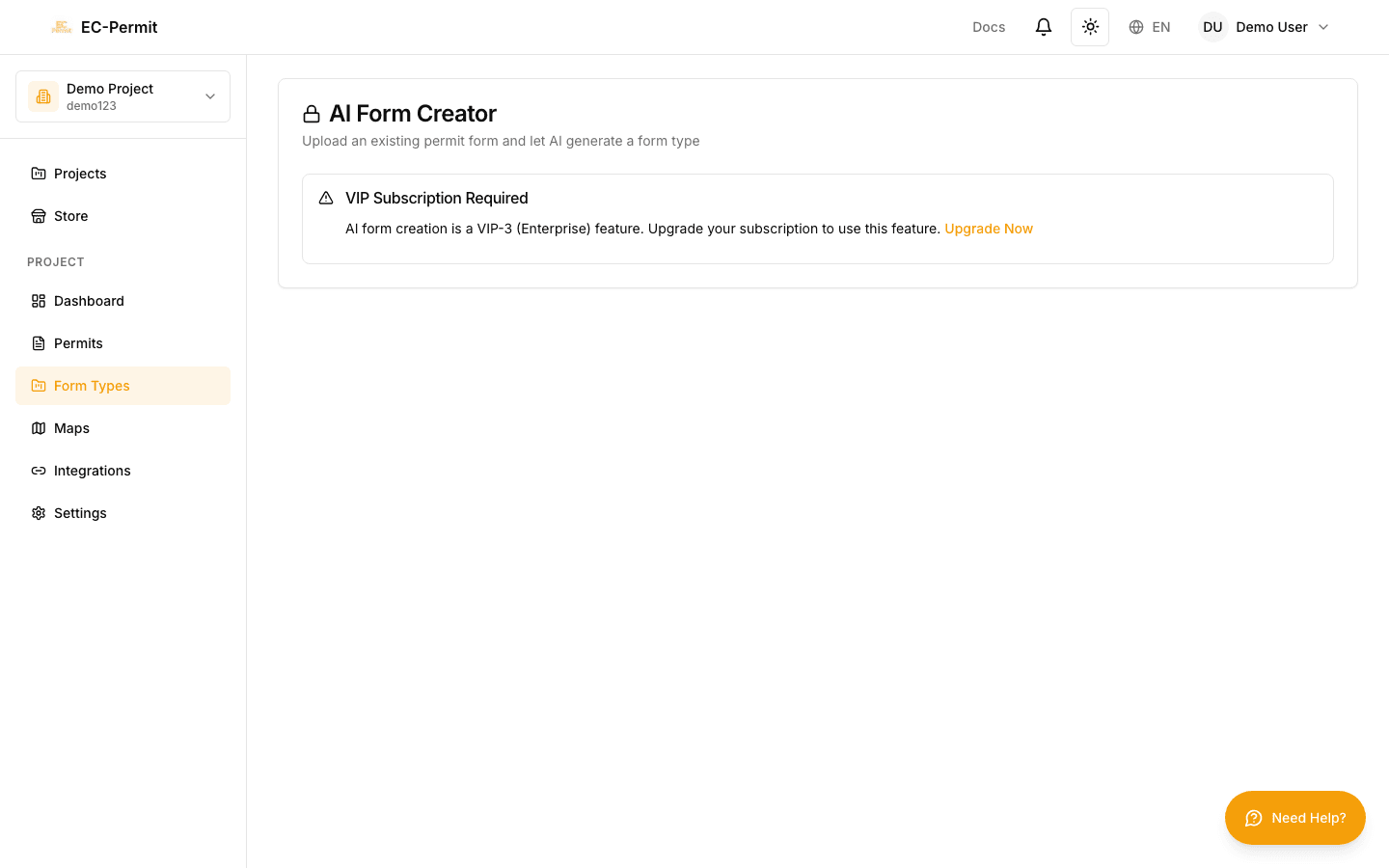
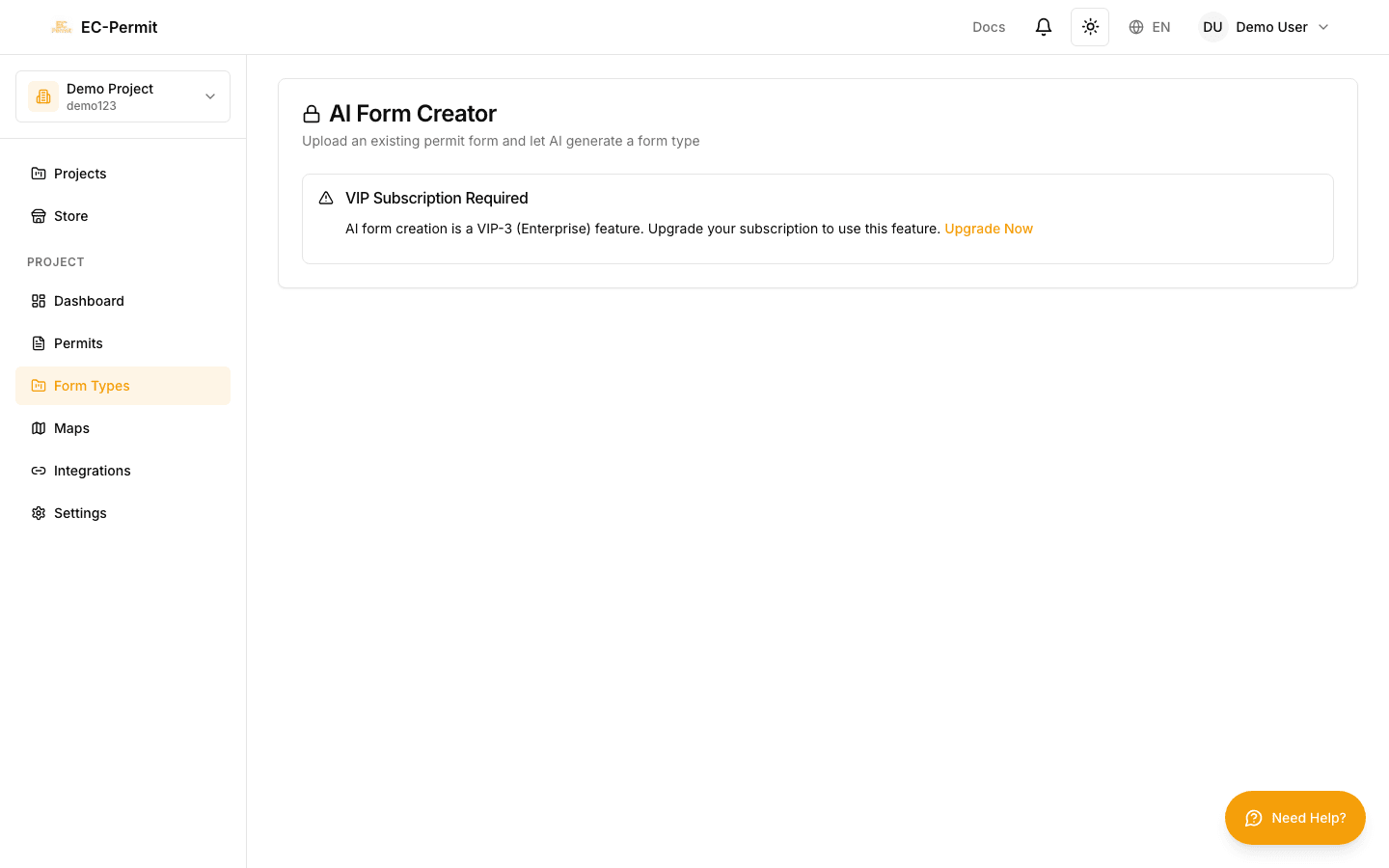
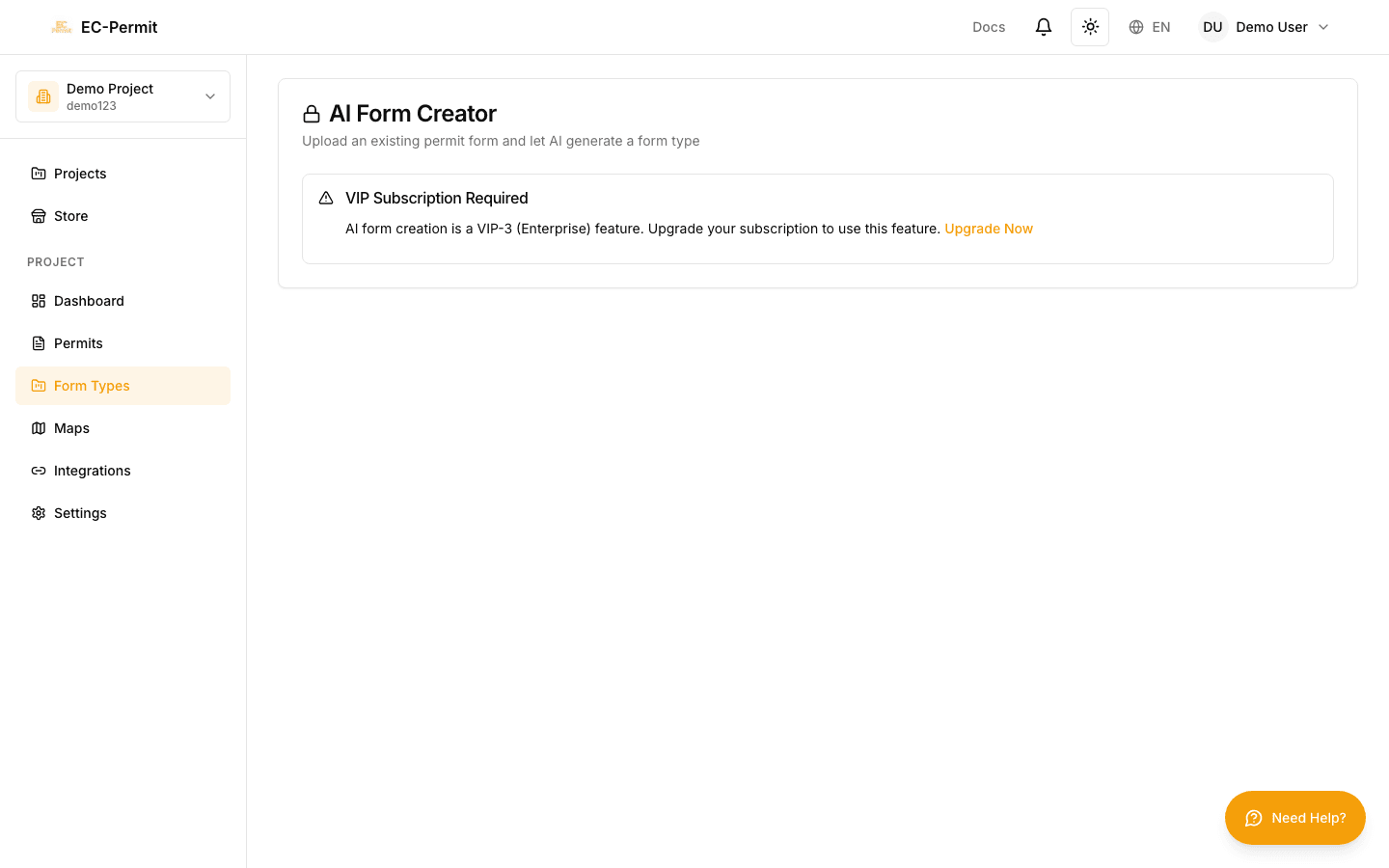
AI Form Type Creator
Describe what you need in plain English, and let AI generate a complete form type with questions, workflow, and PDF template.
VIP Feature
How It Works
1. Describe
Tell AI what form you need
2. Generate
AI creates the form type
3. Review & Publish
Customize and deploy
Using AI Creator
- 1Click "Create with AI"
Opens the AI creator dialog
- 2Describe your form type
Write a description like: "Hot work permit for welding and cutting operations. Requires supervisor approval and safety officer sign-off."
- 3Wait for generation
AI analyzes your request and creates the form type (10-30 seconds)
- 4Review the result
Check the generated questions, workflow, and settings
- 5Customize as needed
Add, remove, or modify questions and workflow
- 6Publish
Make the form type available to your team
Tips for Better Results
Be specific
Instead of "safety form", say "confined space entry permit with gas testing requirements and rescue plan verification"
Mention approval levels
Specify who needs to approve: "requires supervisor review and safety manager approval"
Include field types
Mention specific needs: "include signature fields, photo upload for hazard identification, date range for permit validity"
Reference industry standards
Mention standards: "following CIC guidelines" or "OSHA compliant hot work permit"
Example Prompts
"Create a hot work permit for welding, cutting, and grinding operations. Include fire watch requirements, gas testing readings, fire extinguisher verification, and require approval from both supervisor and safety officer. Valid for one shift only."
"Daily safety inspection checklist for construction sites. Include checks for PPE compliance, housekeeping, scaffolding, electrical safety, and fall protection. Allow photo uploads for issues found."
"Visitor sign-in form that collects name, company, purpose of visit, host employee, safety induction acknowledgment, and emergency contact. Should be a public form accessible without login."
Always Review