Docs/Project Admin/API Keys & Webhooks

API Keys & Webhooks

Integrate EC-Permit with your other systems using API keys and webhooks. Automate workflows and sync data with external applications.

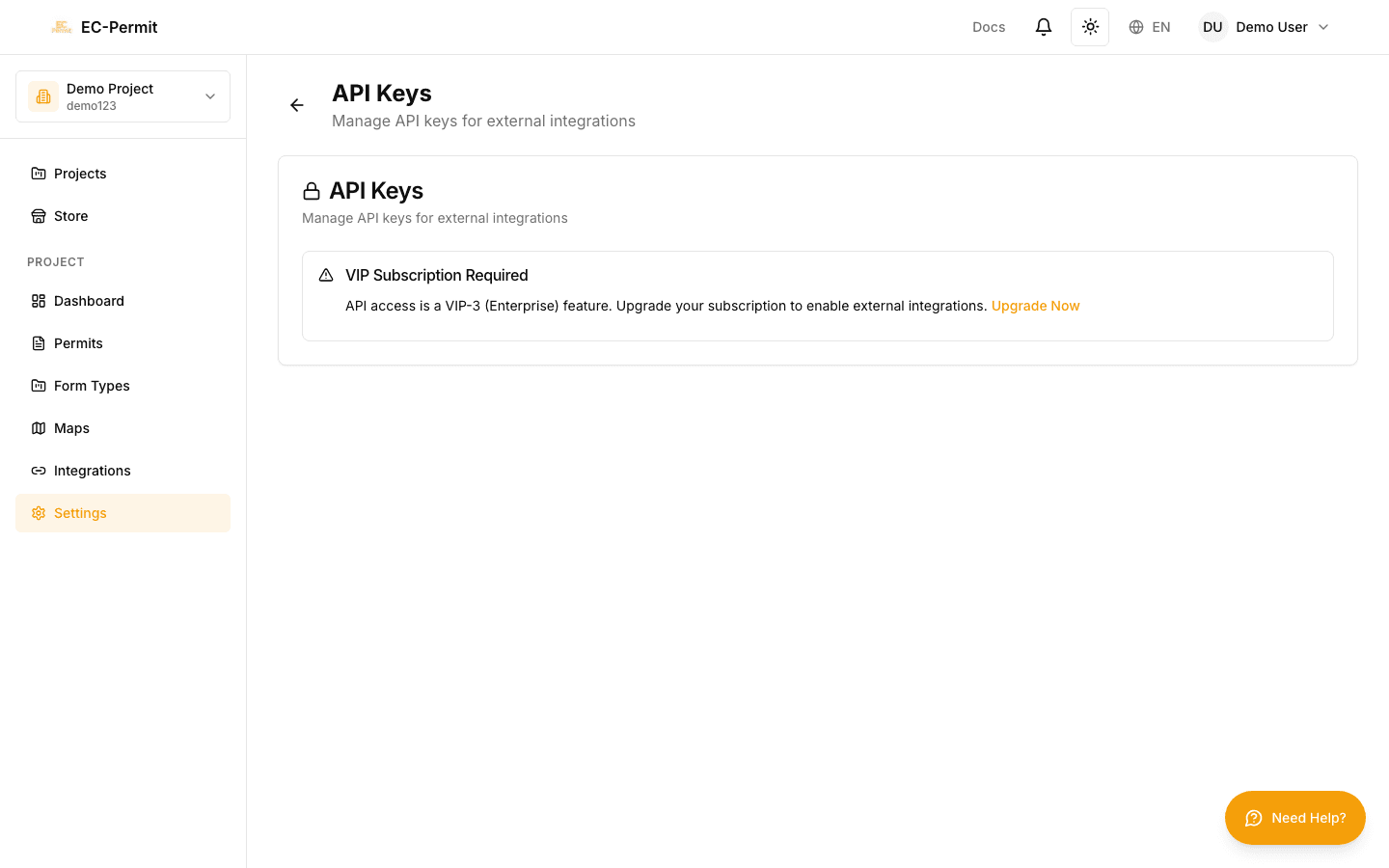
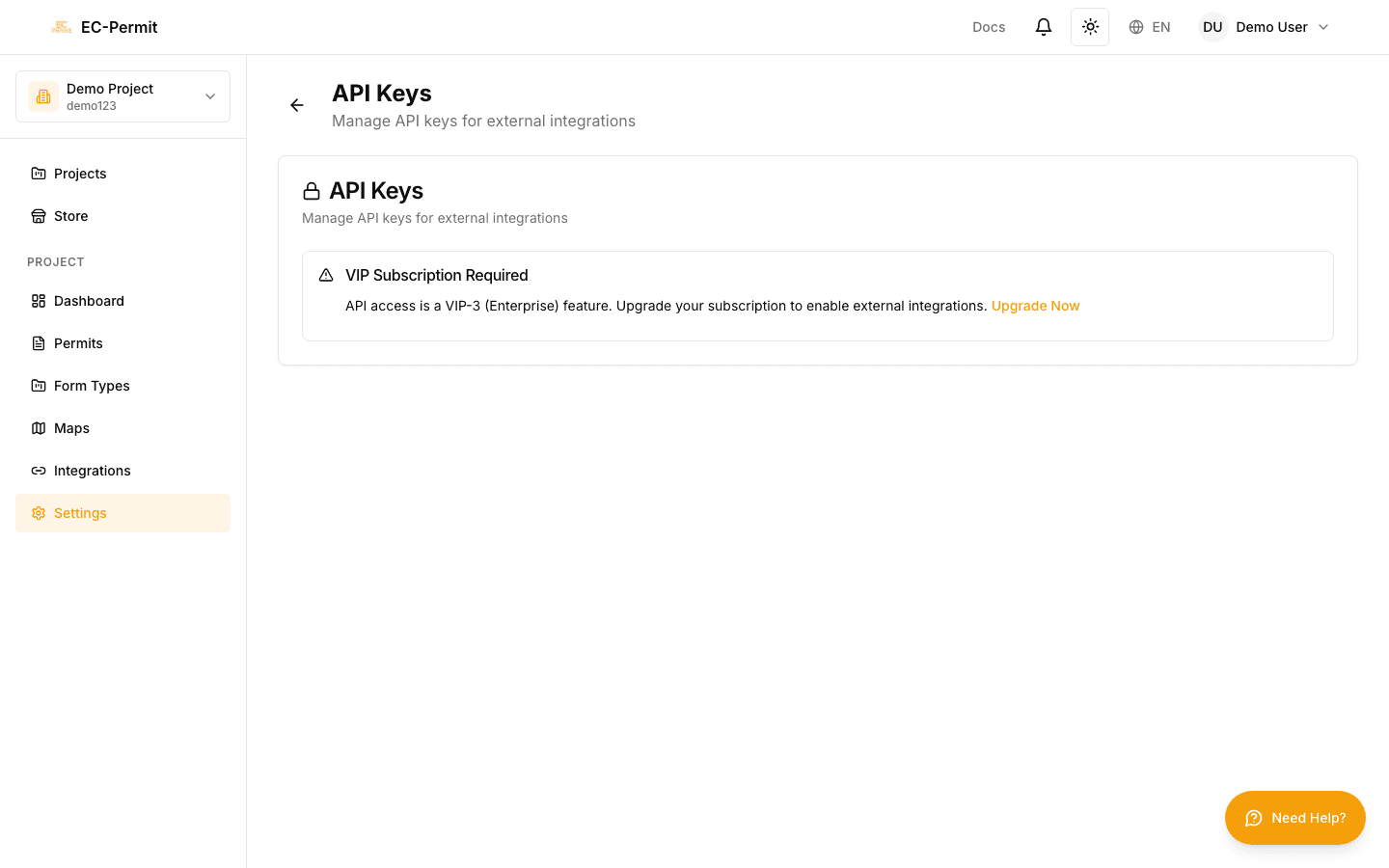
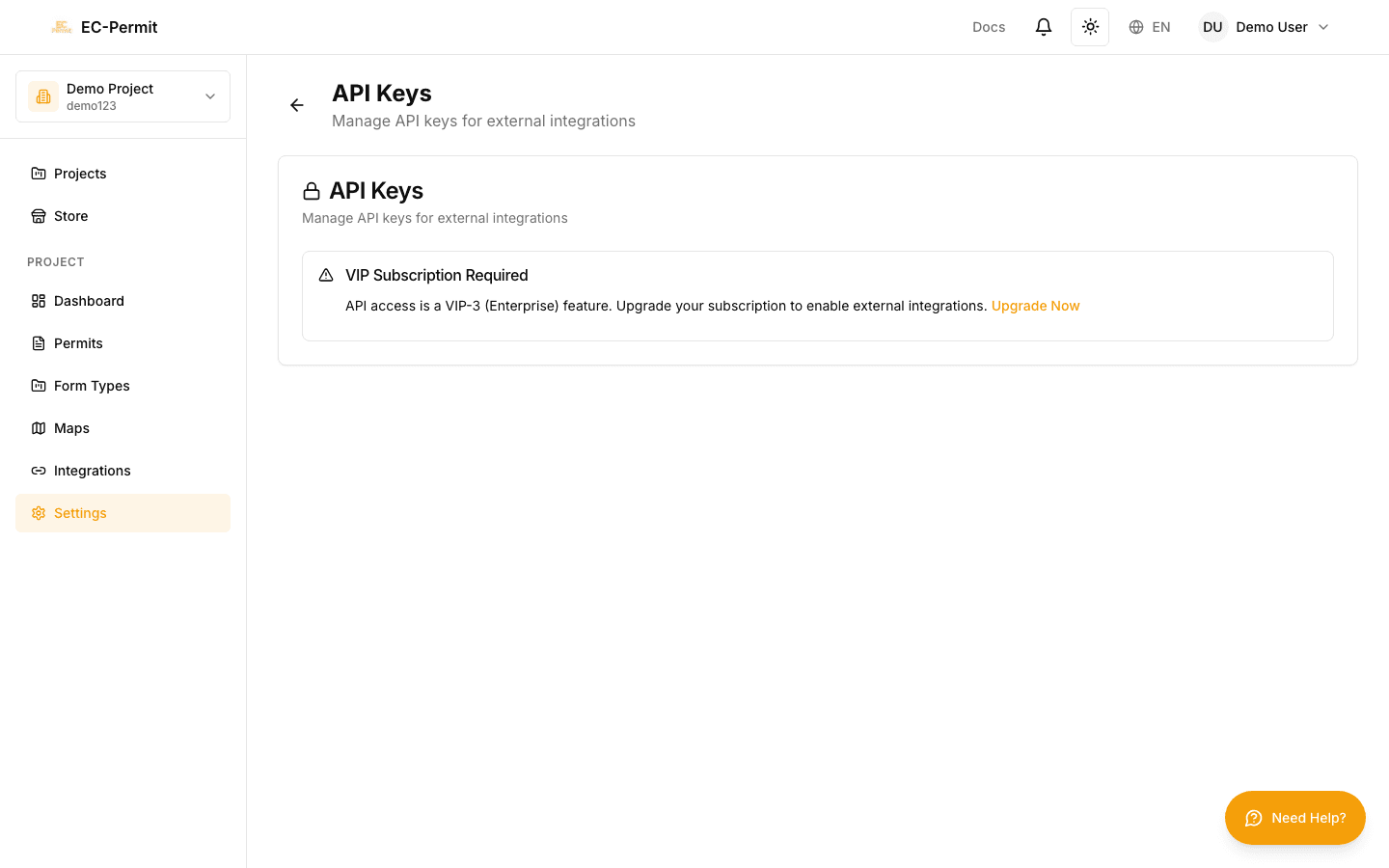
VIP Feature

API access and webhooks require a VIP subscription.

API Keys

API keys authenticate your external applications to access EC-Permit data.

Creating an API Key

  1. 1Go to Settings → API Keys
  2. 2Click "Create API Key"
  3. 3Name your key (e.g., "ERP Integration")
  4. 4Select permissions (read, write, or both)
  5. 5Copy the key immediately — it won't be shown again

Key Security

Treat API keys like passwords. Never share them publicly or commit them to version control. Use environment variables in your applications.

Webhooks

Webhooks notify your applications when events happen in EC-Permit.

Available Events

  • form.created — New form created
  • form.submitted — Form submitted for approval
  • form.approved — Form approved
  • form.rejected — Form rejected
  • form.status_changed — Any status change
  • user.invited — User invited to project
  • user.joined — User accepted invitation

Configuring a Webhook

  1. 1Go to Settings → Webhooks
  2. 2Click "Add Webhook"
  3. 3Enter your endpoint URL (HTTPS required)
  4. 4Select events to subscribe to
  5. 5Optionally add a secret for signature verification

Security Best Practices

Keep your integrations secure:

  • Use separate API keys for different integrations
  • Grant minimum necessary permissions
  • Rotate keys periodically
  • Verify webhook signatures
  • Monitor API usage for anomalies

For detailed API documentation, see the System Integrator Guide.