Docs/Project Admin/Managing Roles

Managing Roles & Permissions

Create custom roles with specific permissions to match your organization's structure and workflow requirements.

Understanding Permissions

Permissions control what users can do within a project. They're organized into categories:

Form Permissions

Create forms, view forms, edit answers, take actions

Form Type Permissions

Create/edit form types, manage workflows, design PDF templates

User Permissions

Invite users, change roles, remove users

Project Permissions

Modify settings, manage subscriptions, archive project

Default Roles

EC-Permit provides four built-in roles that cover common use cases:

RoleFormsForm TypesUsersSettings
AdminFullFullFullFull
ManagerFullViewViewNone
UserCreate/Edit OwnNoneNoneNone
ViewerView OnlyNoneNoneNone

Creating Custom Roles

To create a custom role:

  1. 1
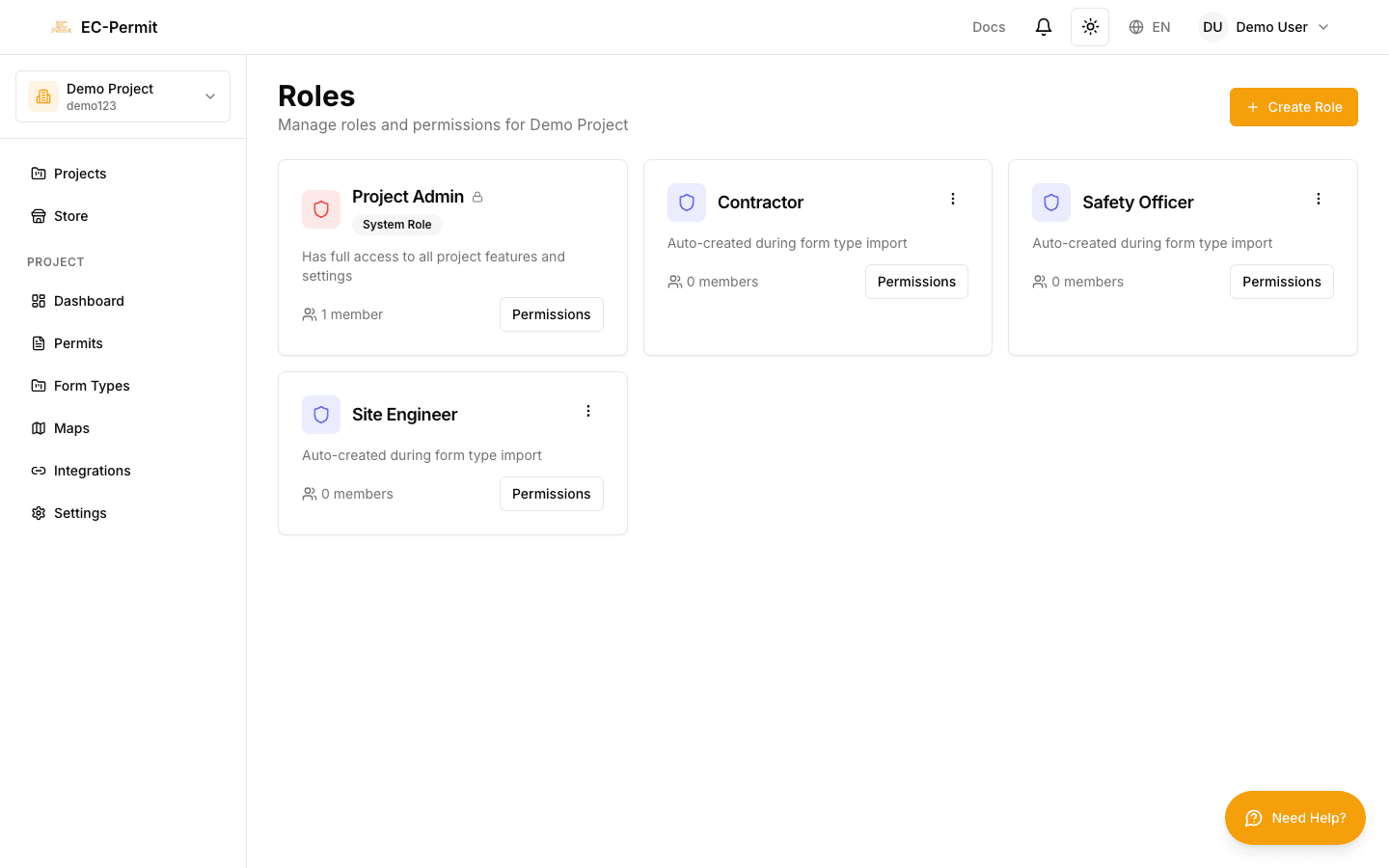
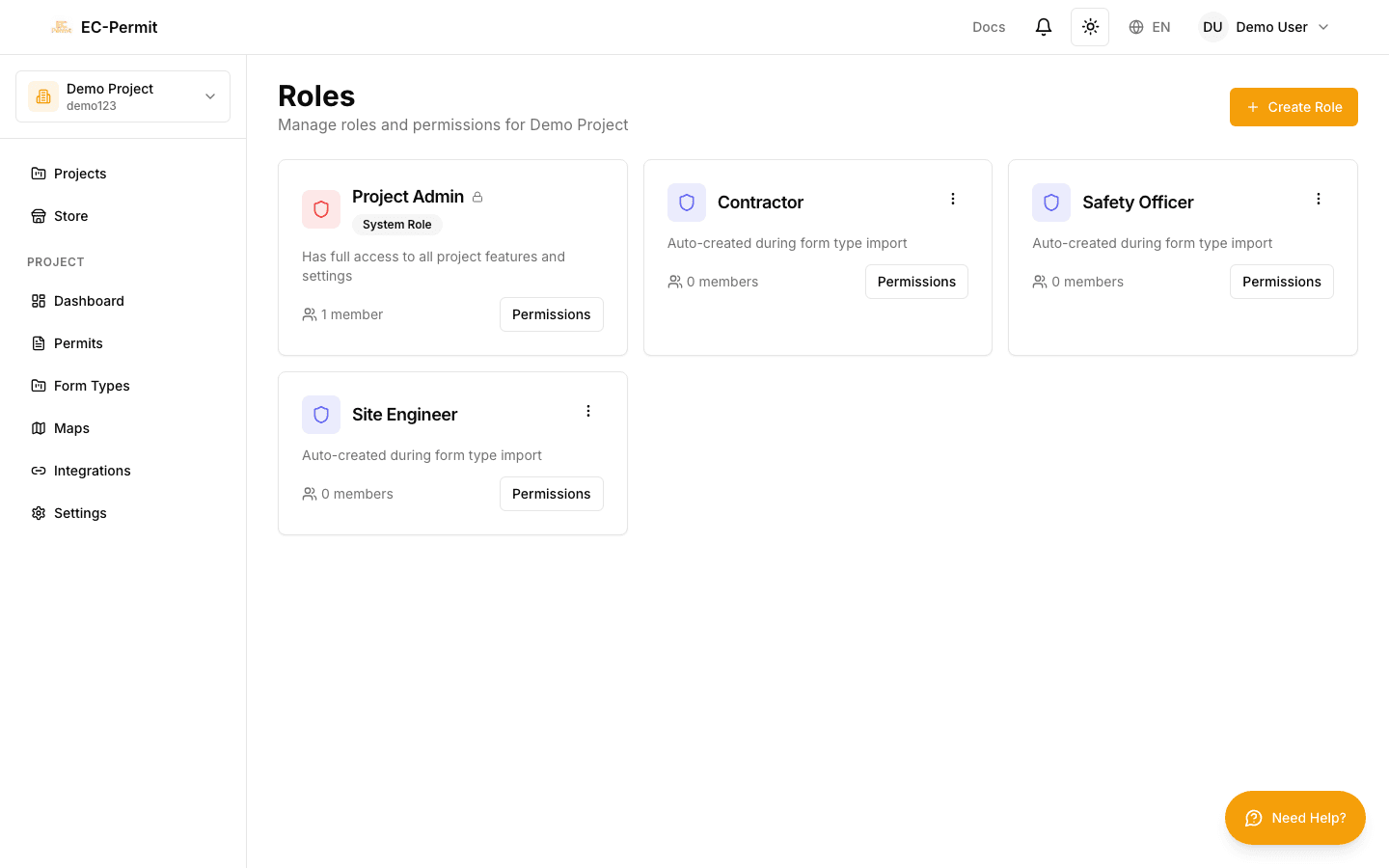
    Go to Roles in the sidebar

    Shows list of all roles in the project

  2. 2
    Click "Create Role"

    Opens the role editor

  3. 3
    Enter a name and description

    e.g., "Safety Officer", "Site Supervisor"

  4. 4
    Select permissions

    Check the boxes for each permission to grant

  5. 5
    Save the role

    Role is now available for assignment

Start from Default

When creating a custom role, consider starting from the closest default role and adding/removing specific permissions rather than building from scratch.

Workflow-Specific Permissions

Beyond general permissions, you can control which roles can perform specific workflow actions in each form type:

  • Which roles can take the "Approve" action
  • Which roles can see forms in certain statuses
  • Which roles can edit specific questions

These are configured in the Workflow Editor for each form type.

Editing & Deleting Roles

Edit Role

Click a role to modify its permissions. Changes apply immediately to all users with that role.

Delete Role

Remove a custom role. Users with that role will need to be reassigned to another role.

Default Roles

The four default roles (Admin, Manager, User, Viewer) cannot be edited or deleted. Create custom roles if you need different permission combinations.