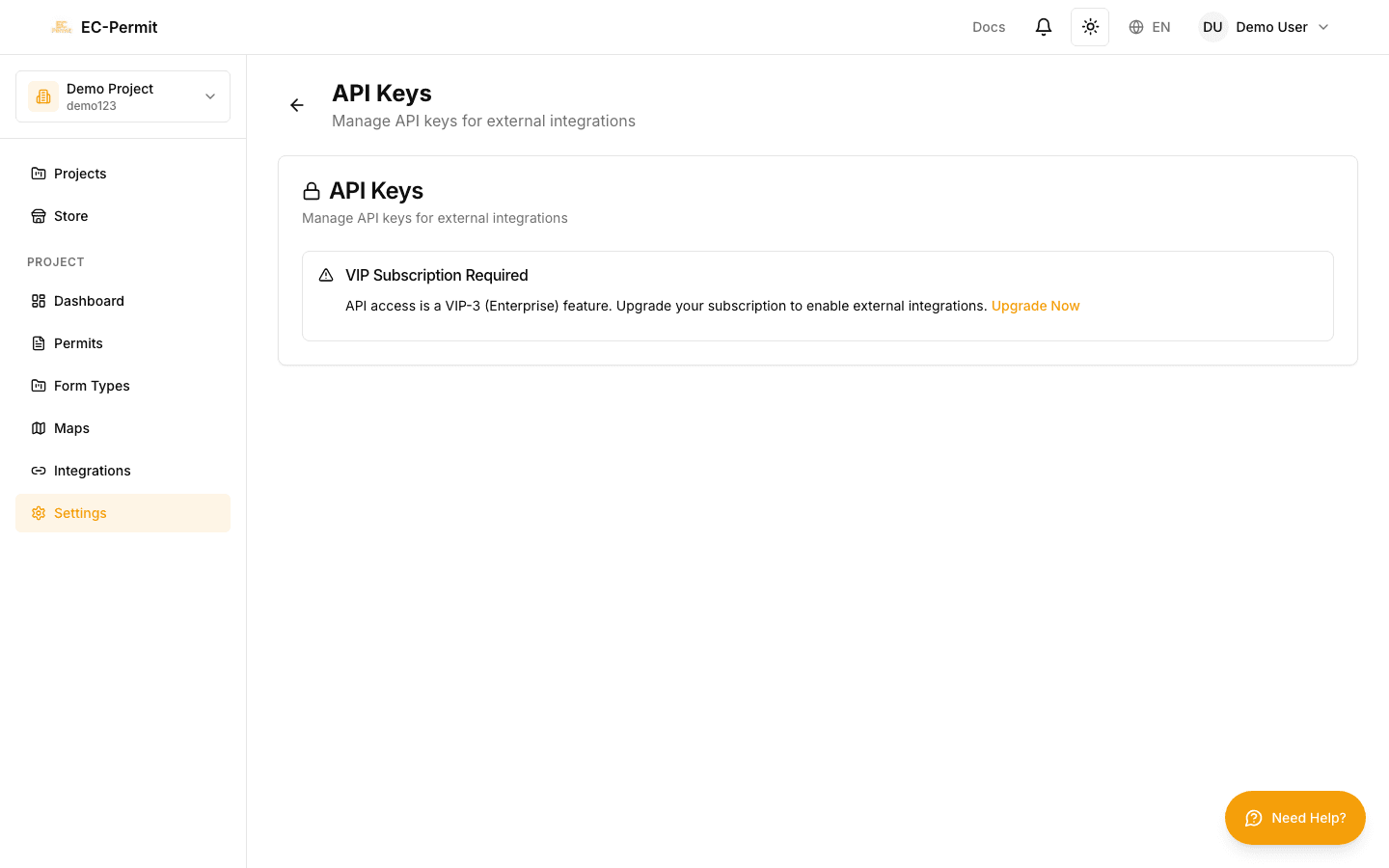
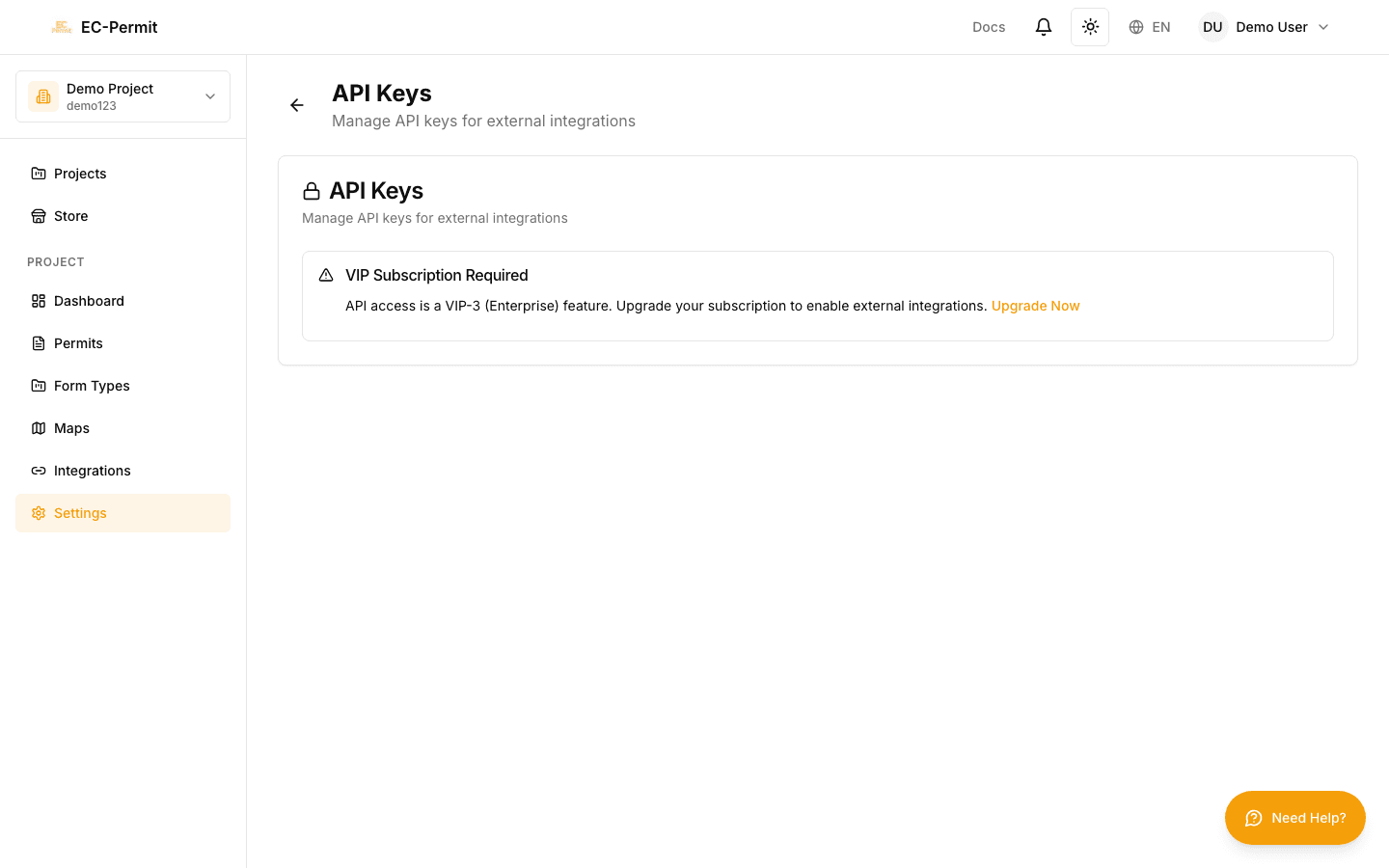
API Authentication
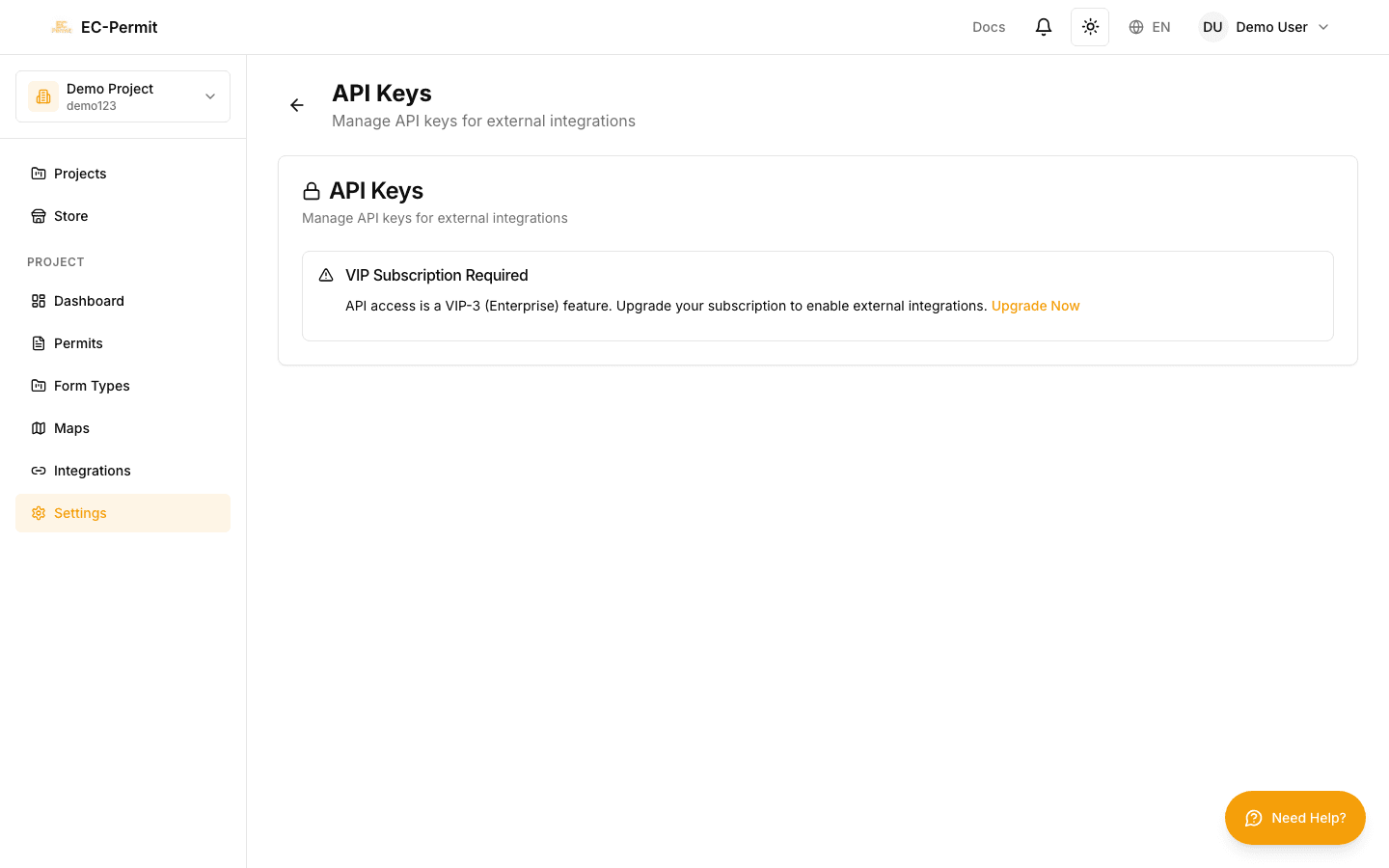
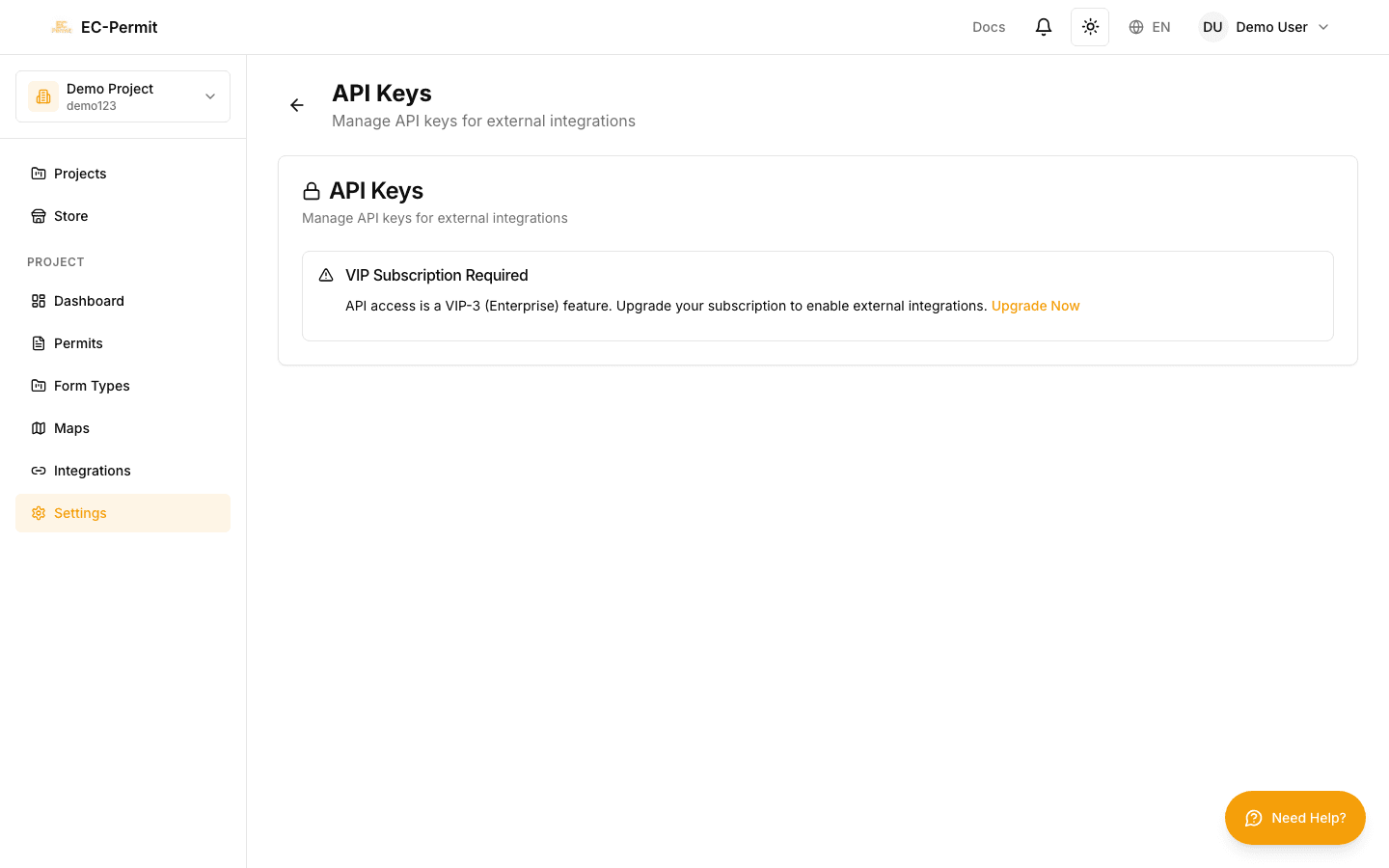
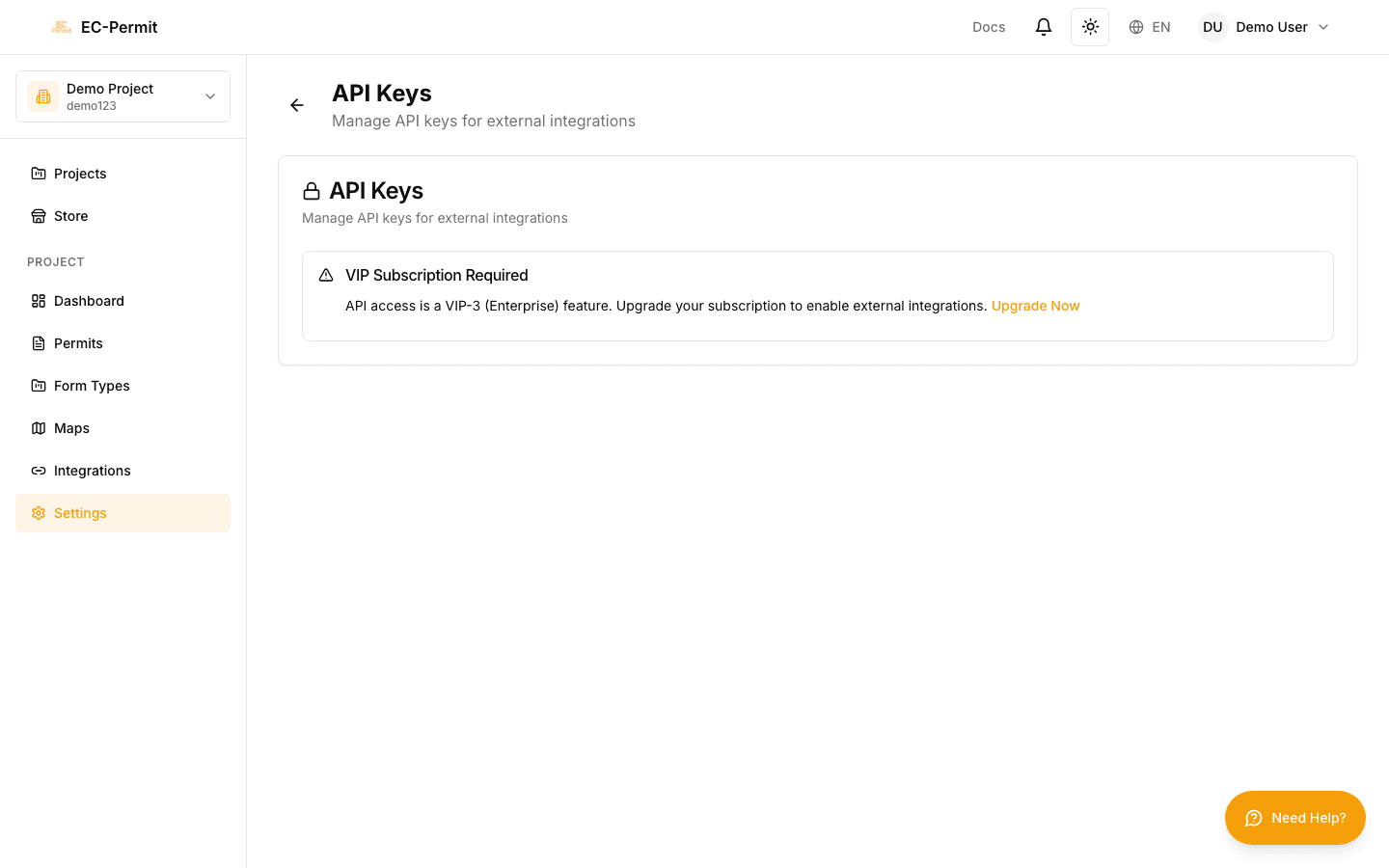
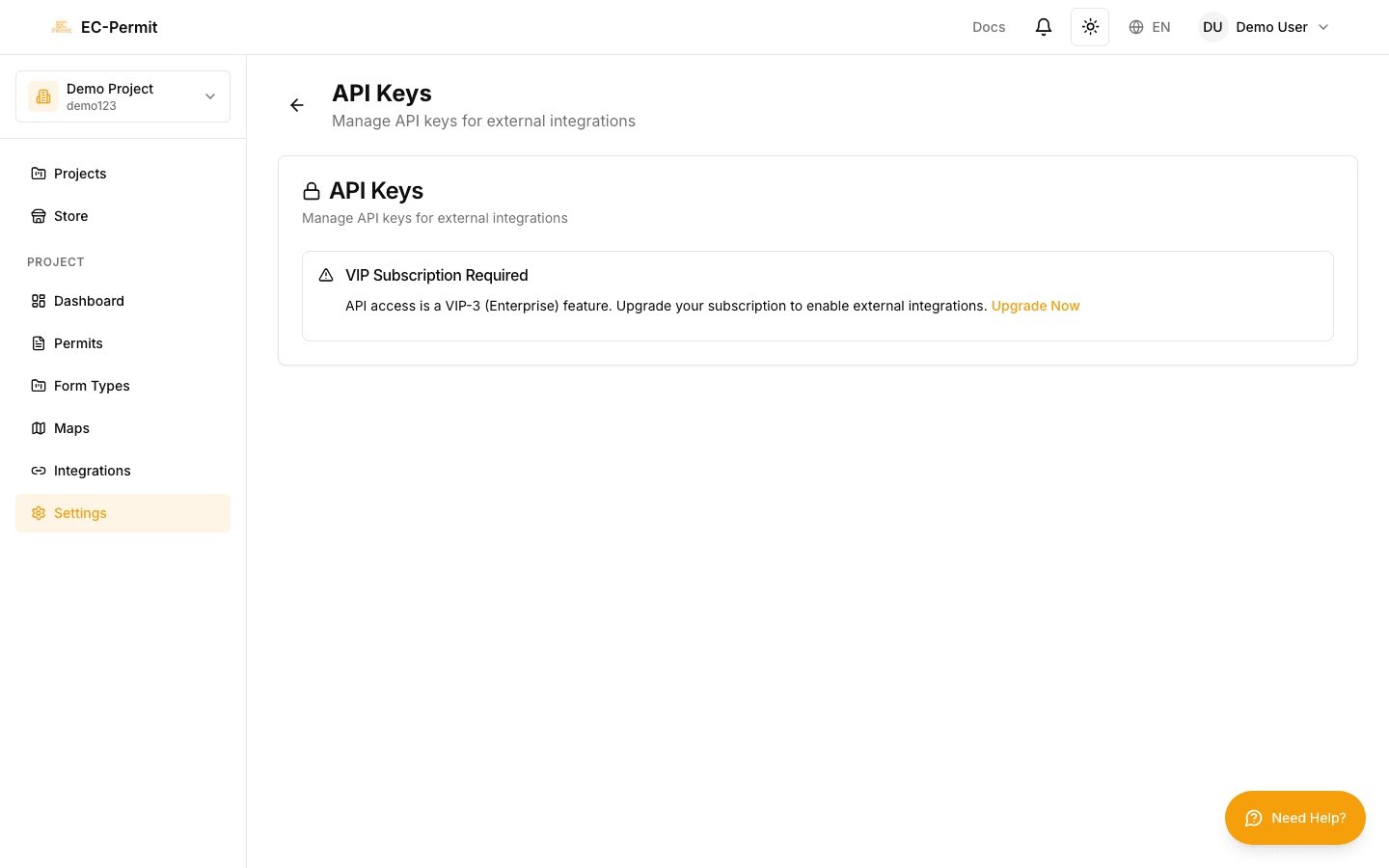
All API requests must be authenticated. EC-Permit supports API key authentication for server-to-server communication.
API Key Authentication
Include your API key in the Authorization header:
Authorization: Bearer your_api_key_here
Example Request
curl -X GET "https://api.ecpermit.com/v1/projects" \ -H "Authorization: Bearer sk_live_abc123..." \ -H "Content-Type: application/json"
API Key Types
Read-Only Keys
Can only GET data. Cannot create, update, or delete resources.
Read-Write Keys
Full access to GET, POST, PUT, DELETE operations.
Authentication Errors
401 UnauthorizedMissing or invalid API key
403 ForbiddenAPI key doesn't have permission for this operation
429 Too Many RequestsRate limit exceeded
Security Best Practices
Keep your API keys secure:
- Never expose keys in client-side code
- Use environment variables, not hardcoded values
- Don't commit keys to version control
- Rotate keys periodically
- Use separate keys for development and production
Rotating Keys
To rotate an API key:
- 1Create a new API key
- 2Update your application to use the new key
- 3Verify the new key works correctly
- 4Delete the old key
Key Deletion
Deleting a key immediately invalidates it. Make sure no active systems are still using a key before deleting it.