Maps & Locations
Upload site maps and enable location tracking for forms. Visualize where permits are active across your site.
Site Maps
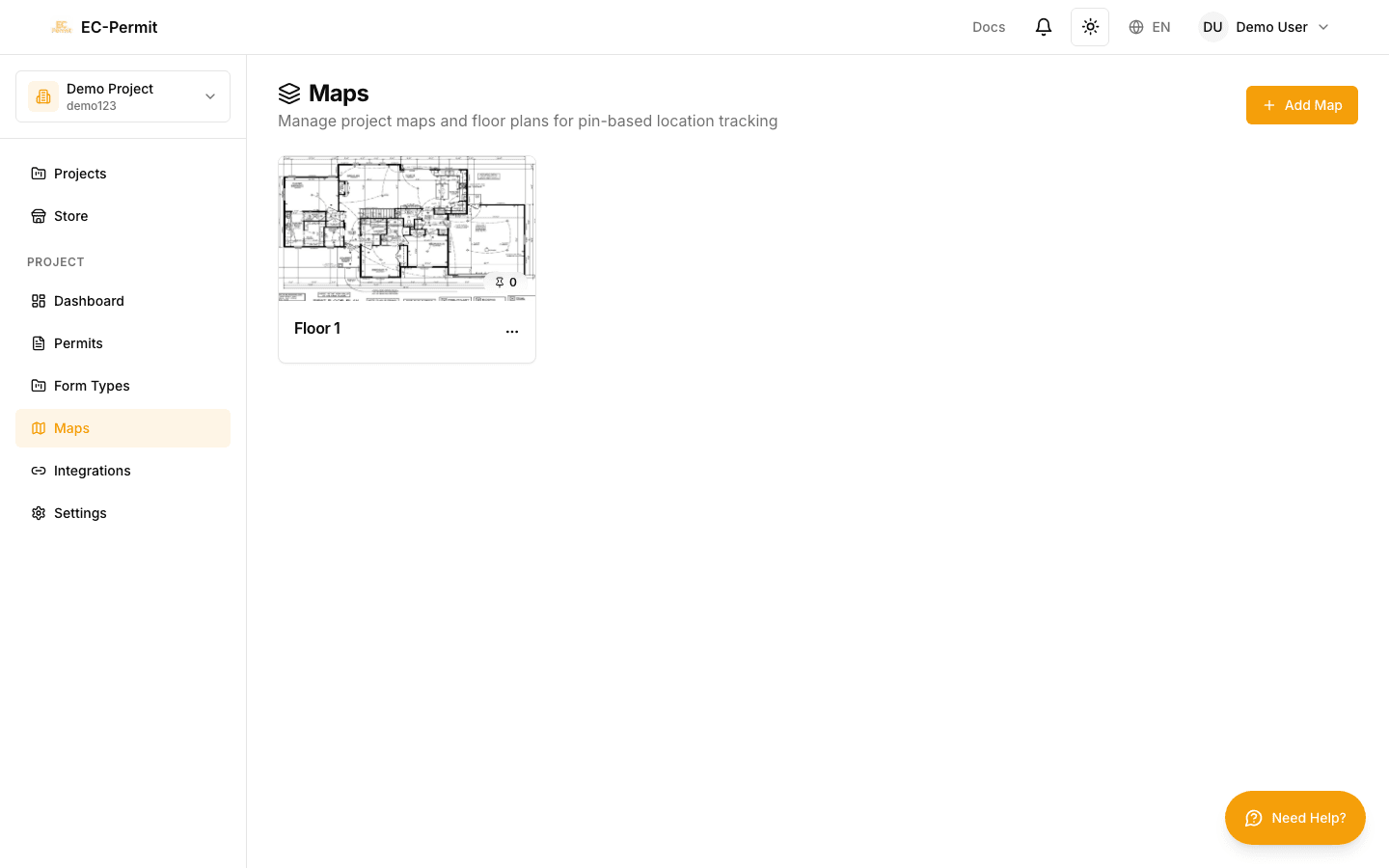
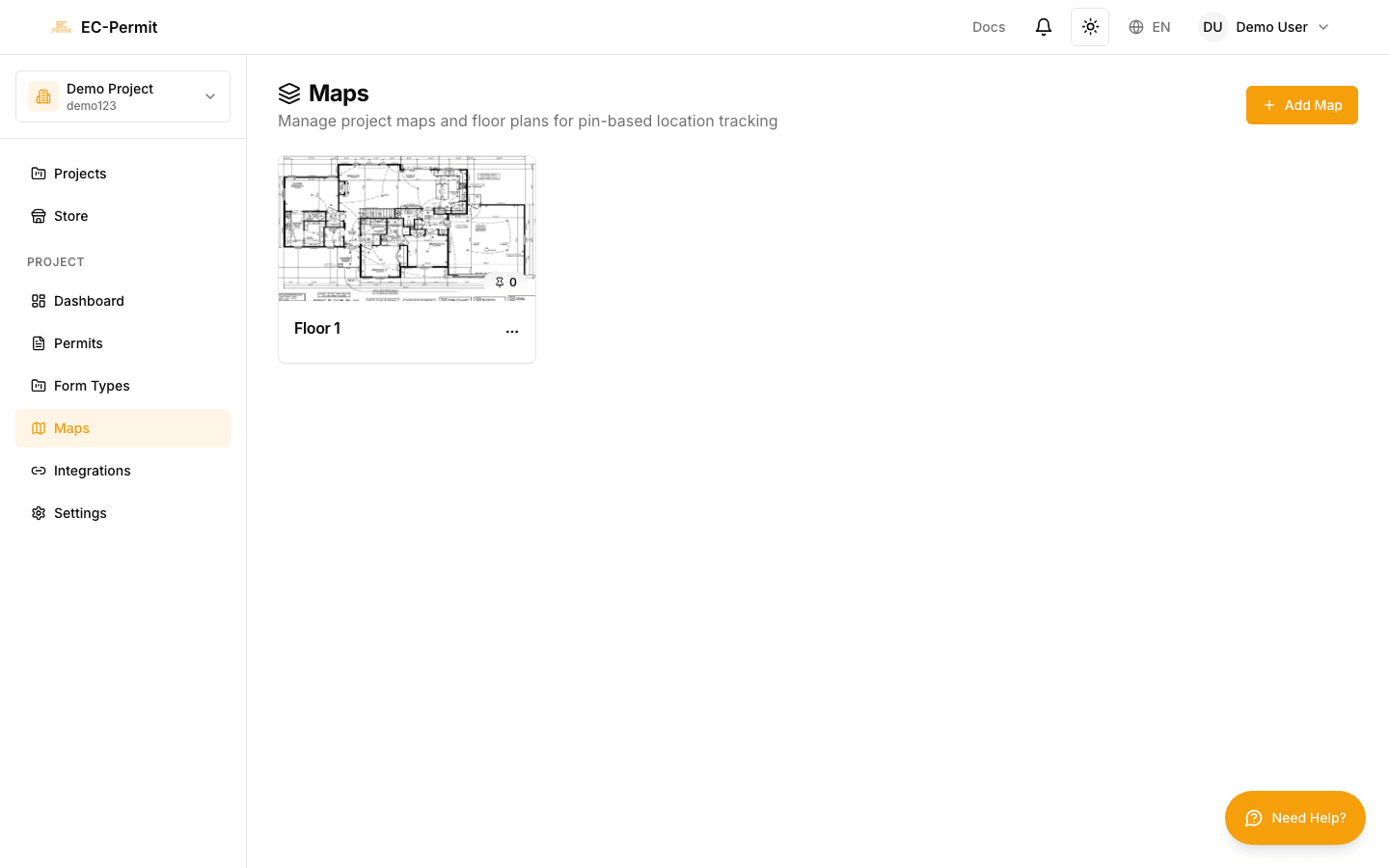
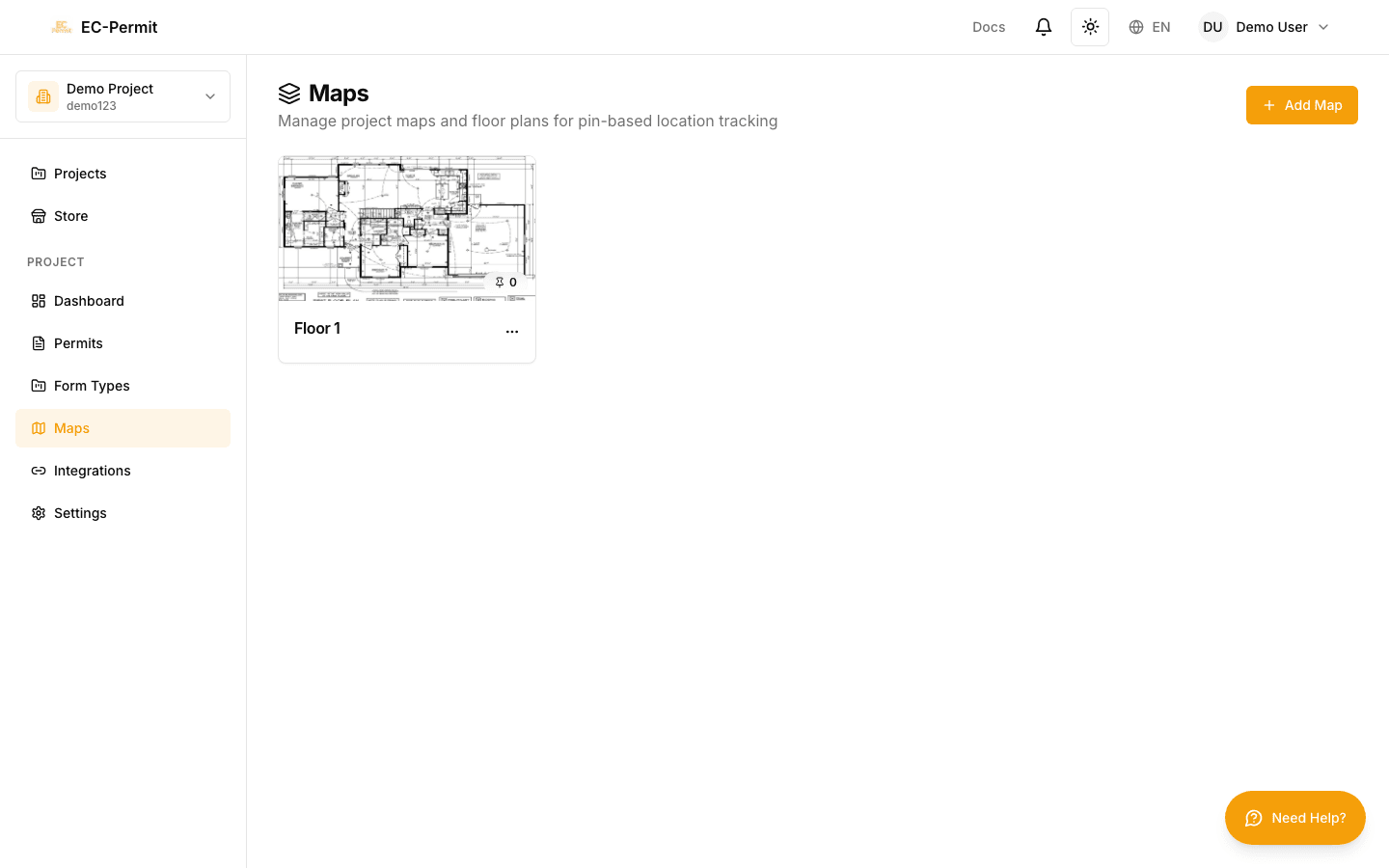
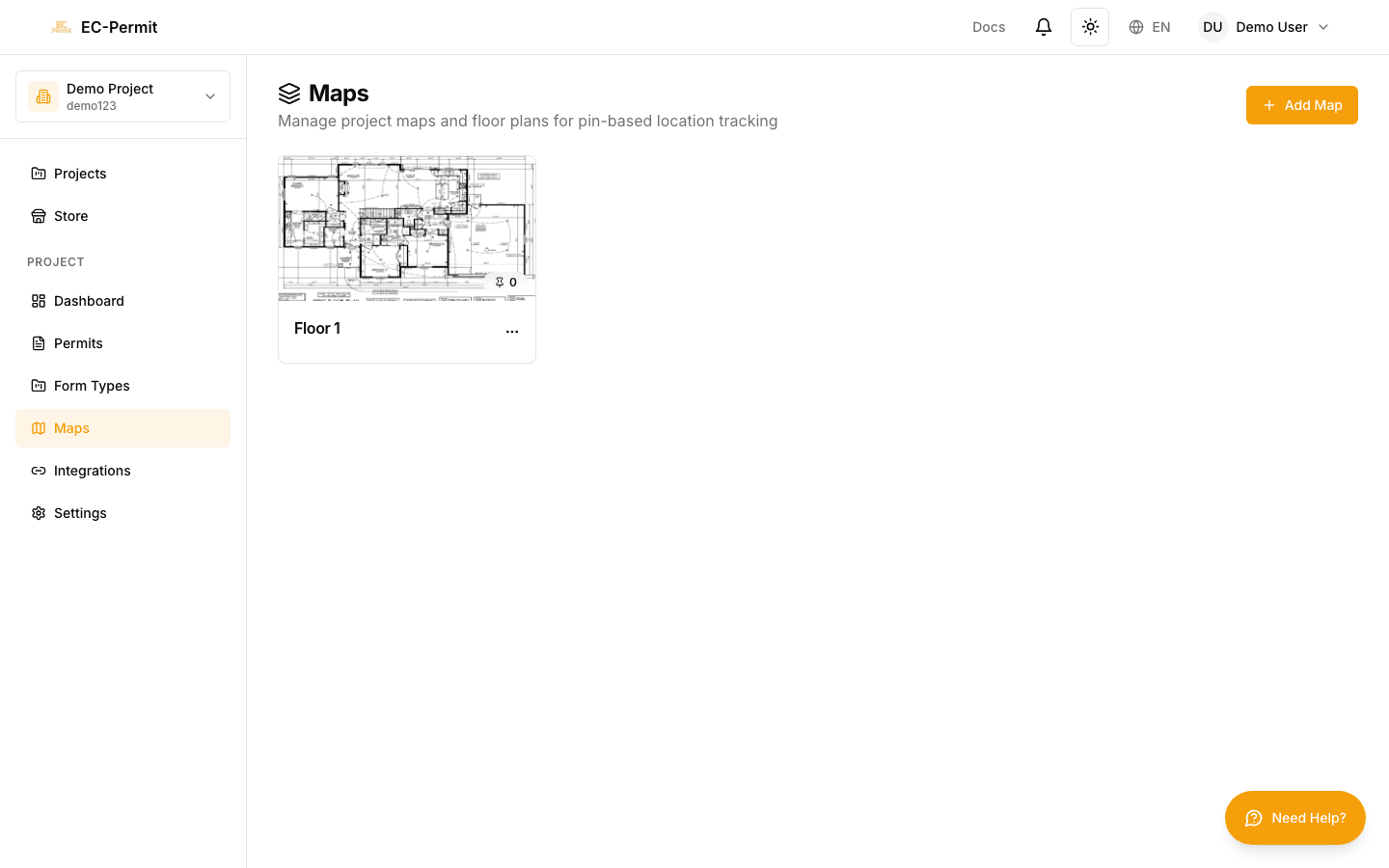
Upload floor plans, site layouts, or aerial views of your location.
Uploading a Map
- 1Go to Maps in the sidebar
- 2Click "Upload Map"
- 3Select an image file (PNG, JPG, or PDF)
- 4Name your map (e.g., "Ground Floor", "Site Plan")
Recommended Format
Use high-resolution images (at least 2000px wide) for best results when users zoom in to place pins. PNG format preserves quality best.
Location Questions
Add a "Map Pin" question type to forms to let users mark locations.
When users fill out the form:
- They click on the site map to place a pin
- The pin can be dragged to adjust position
- Coordinates are saved with the form
- Pin appears on map visualizations
Map Visualization
View all active permits on your site map:
- Pins color-coded by form type or status
- Click pins to view form details
- Filter by form type, status, or date
- Zoom and pan to explore
Multiple Maps
You can upload multiple maps for different areas:
- Different floors of a building
- Different zones of a site
- Overview and detailed views
Users select which map to use when placing location pins.