Project Setup & Configuration
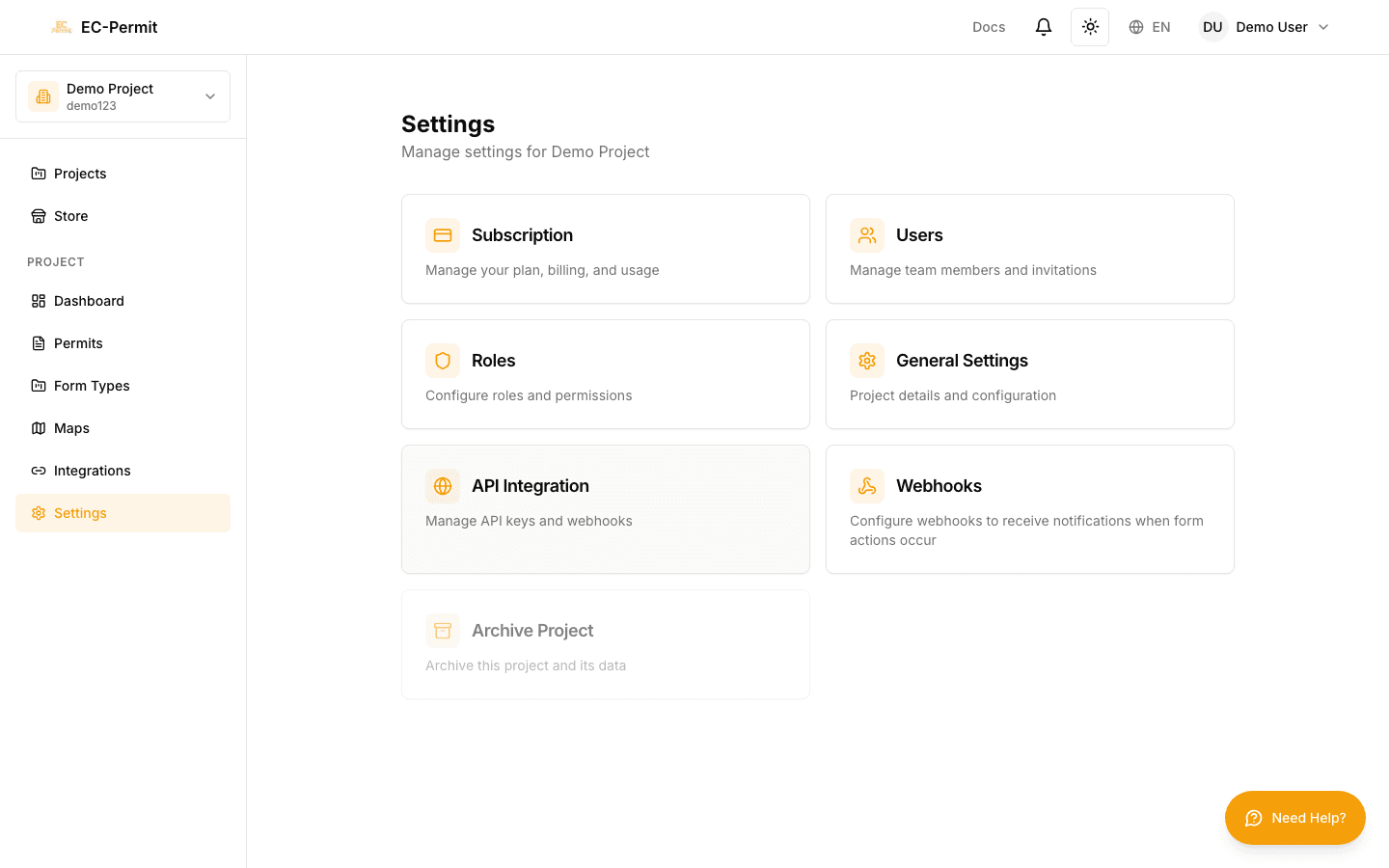
Configure your project's basic settings, customize branding, and set up notifications to match your organization's needs.
Accessing Settings
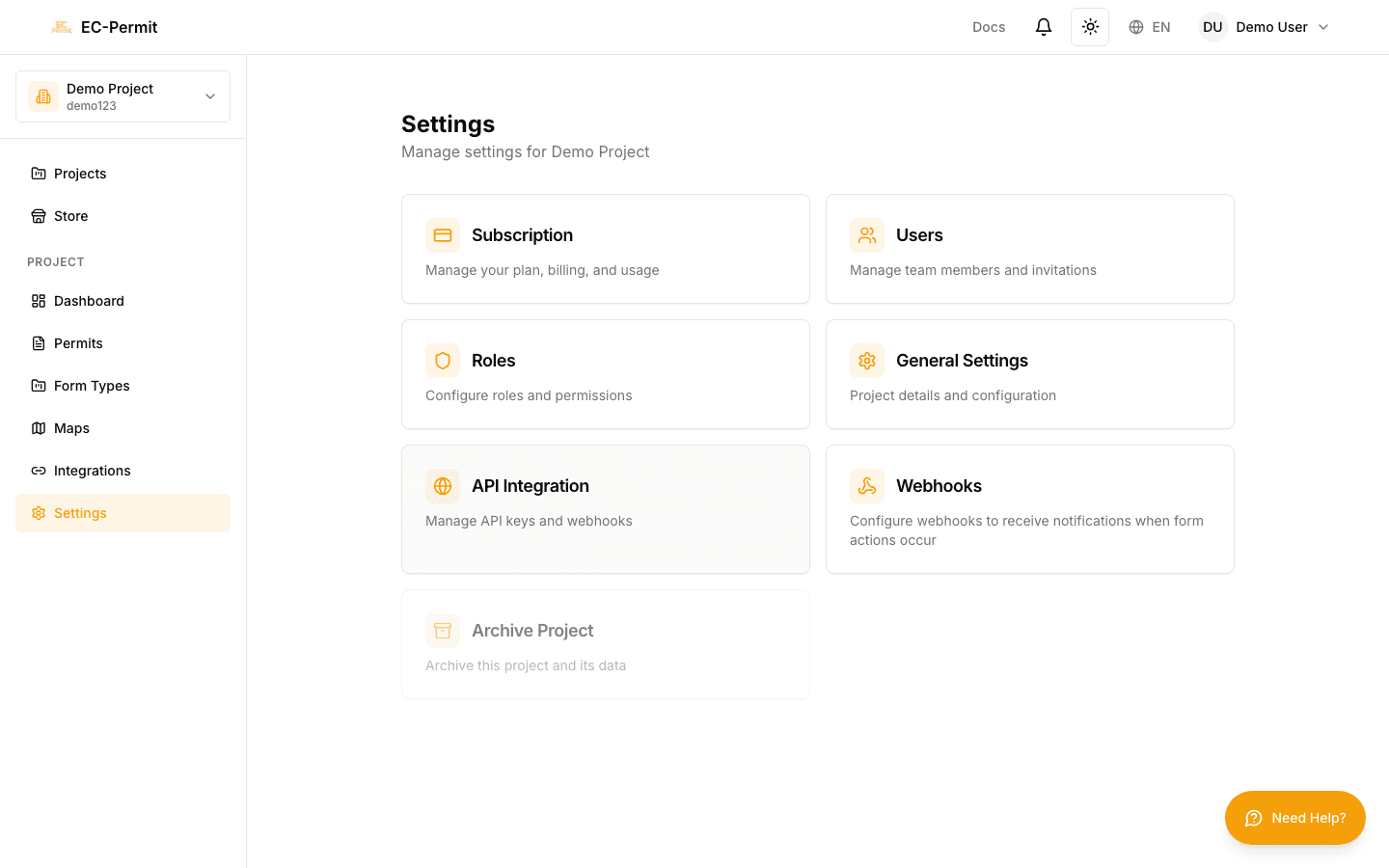
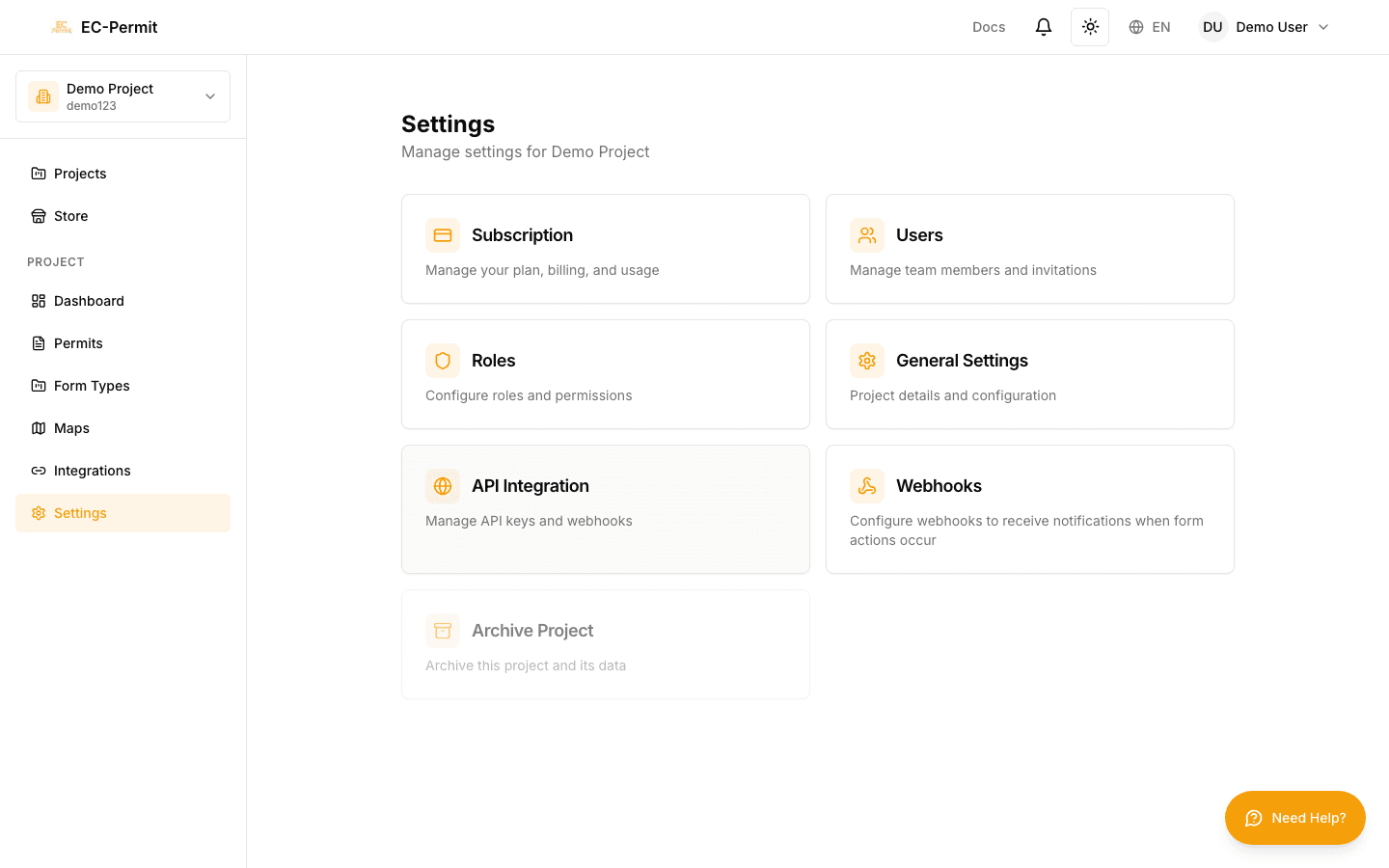
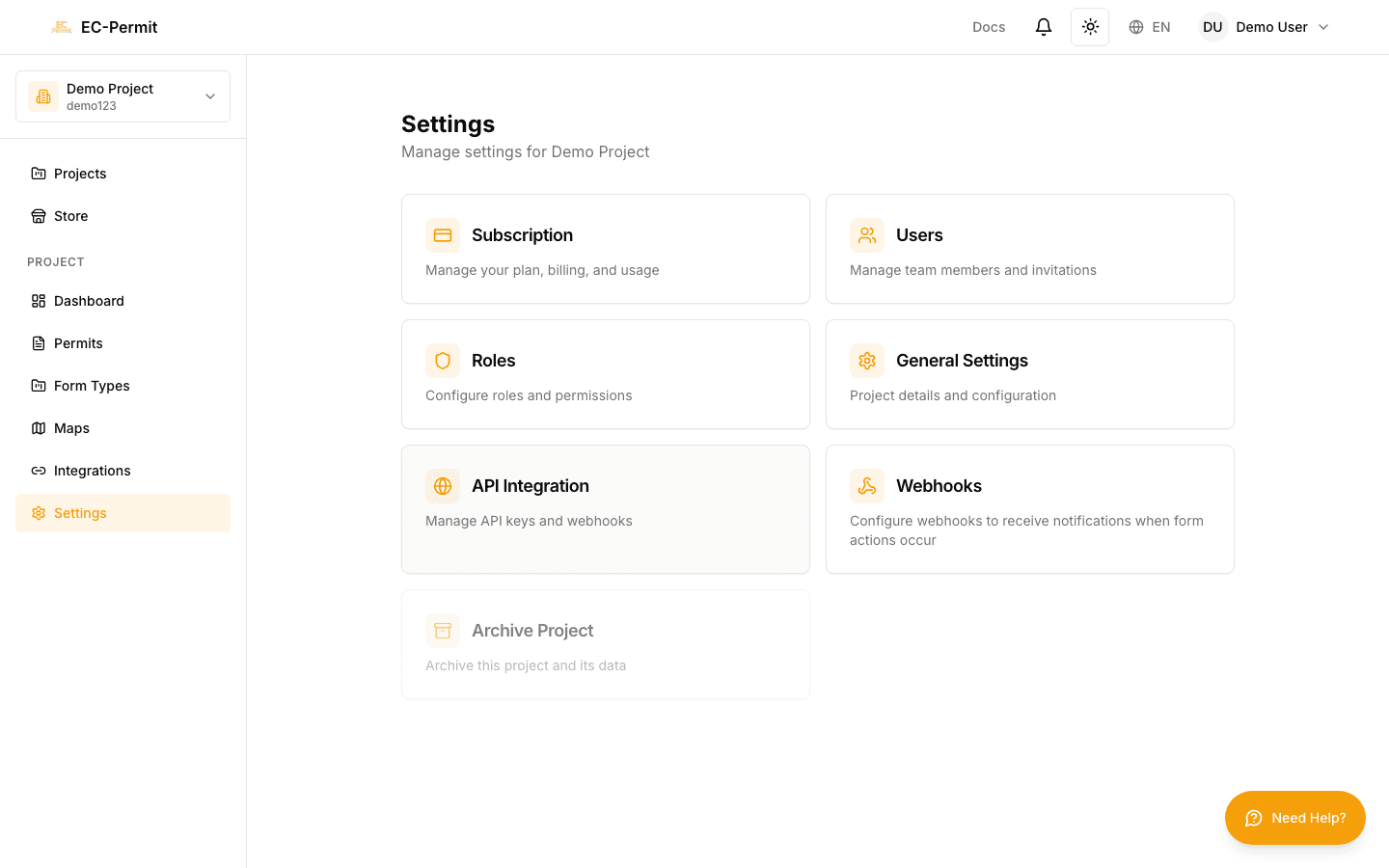
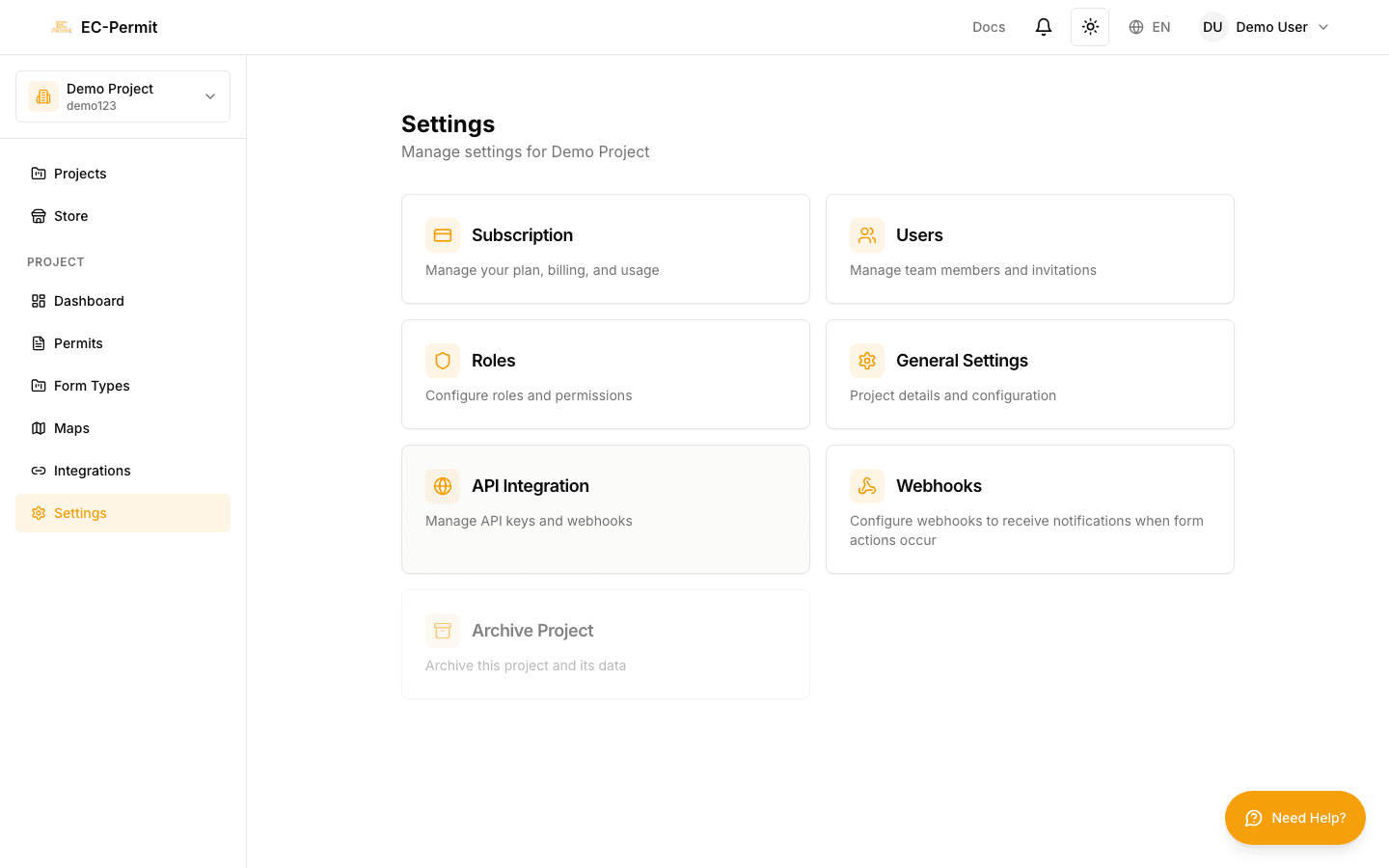
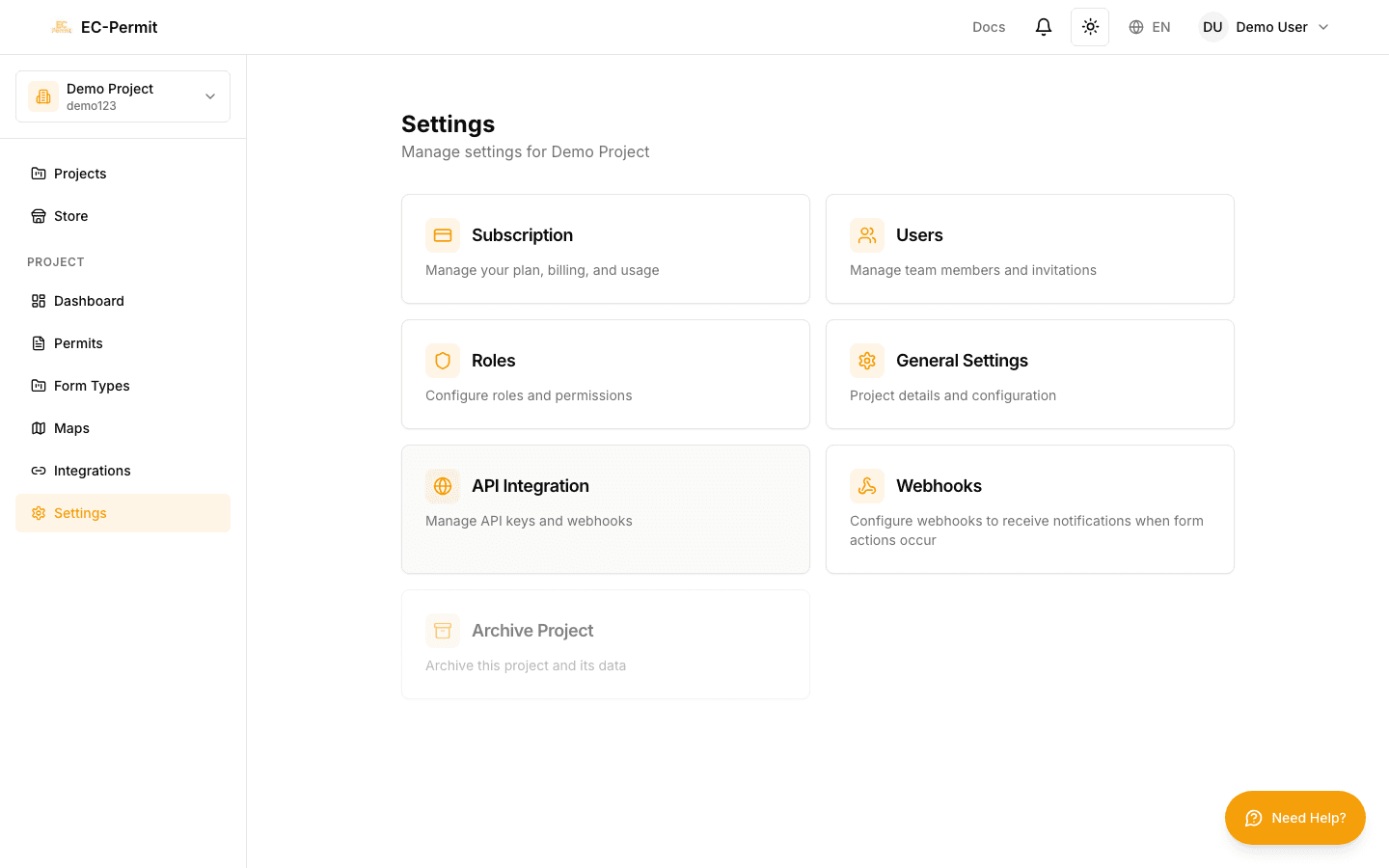
Click Settings in the sidebar to access project configuration. Only project admins can view and modify these settings.
Basic Information
Core project details:
- Project Name
The display name shown throughout the app
- Project Code
Short identifier used in form numbers
- Address
Physical location of the project/site
- Completion Date
Expected project end date
- Description
Additional details about the project
Branding & Logo
Customize your project's appearance:
- Project Logo: Upload your company or project logo (shown on cards and PDFs)
- Primary Color: Theme color for UI accents (VIP feature)
- PDF Header Logo: Logo specifically for PDF exports
VIP Feature
Custom branding (colors, PDF logos) is available with VIP subscription. Free tier projects use the default EC-Permit branding.
Localization
Language and regional settings:
- Default Language: English, Traditional Chinese, or Simplified Chinese
- Date Format: How dates are displayed in the project
- Time Zone: For accurate timestamps
Notification Settings
Configure how notifications are sent:
Email Notifications
- • Enable/disable email notifications for the project
- • Set which events trigger emails
- • Configure daily digest summary
Danger Zone
Archive or Delete Project
- Archive: Makes the project read-only. Can be unarchived later.
- Delete: Permanently removes the project and all its data. Cannot be undone.
Data Loss
Deleting a project permanently removes all forms, form types, and user associations. Consider archiving instead if you might need the data later.