Docs/Project Admin/Form Type Designer

Form Type Designer

Form types are the heart of EC-Permit. They define what information is collected, how approvals work, and what the final document looks like.

What is a Form Type?

A Form Type is a template that defines:

Questions

The fields users fill out—text, dates, signatures, file uploads, and more.

Workflow

The statuses and actions that move forms through approval chains.

Permissions

Who can see, edit, and act on forms at each stage.

PDF Template

How the form looks when exported or printed.

Examples of form types: "Hot Work Permit", "Confined Space Entry", "Daily Safety Checklist", "Incident Report", "Material Request Form".

Topics in This Section

Accessing Form Types

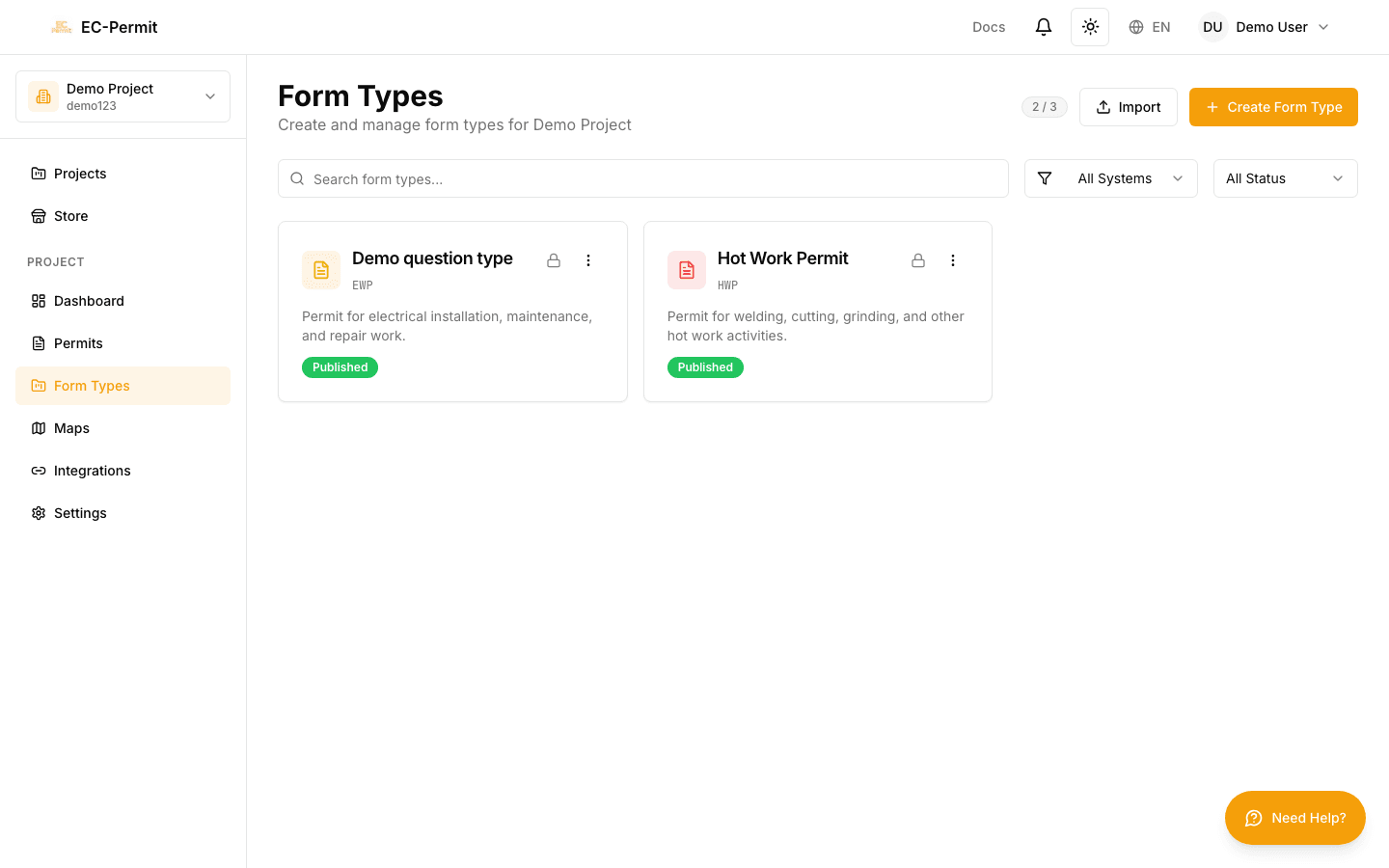
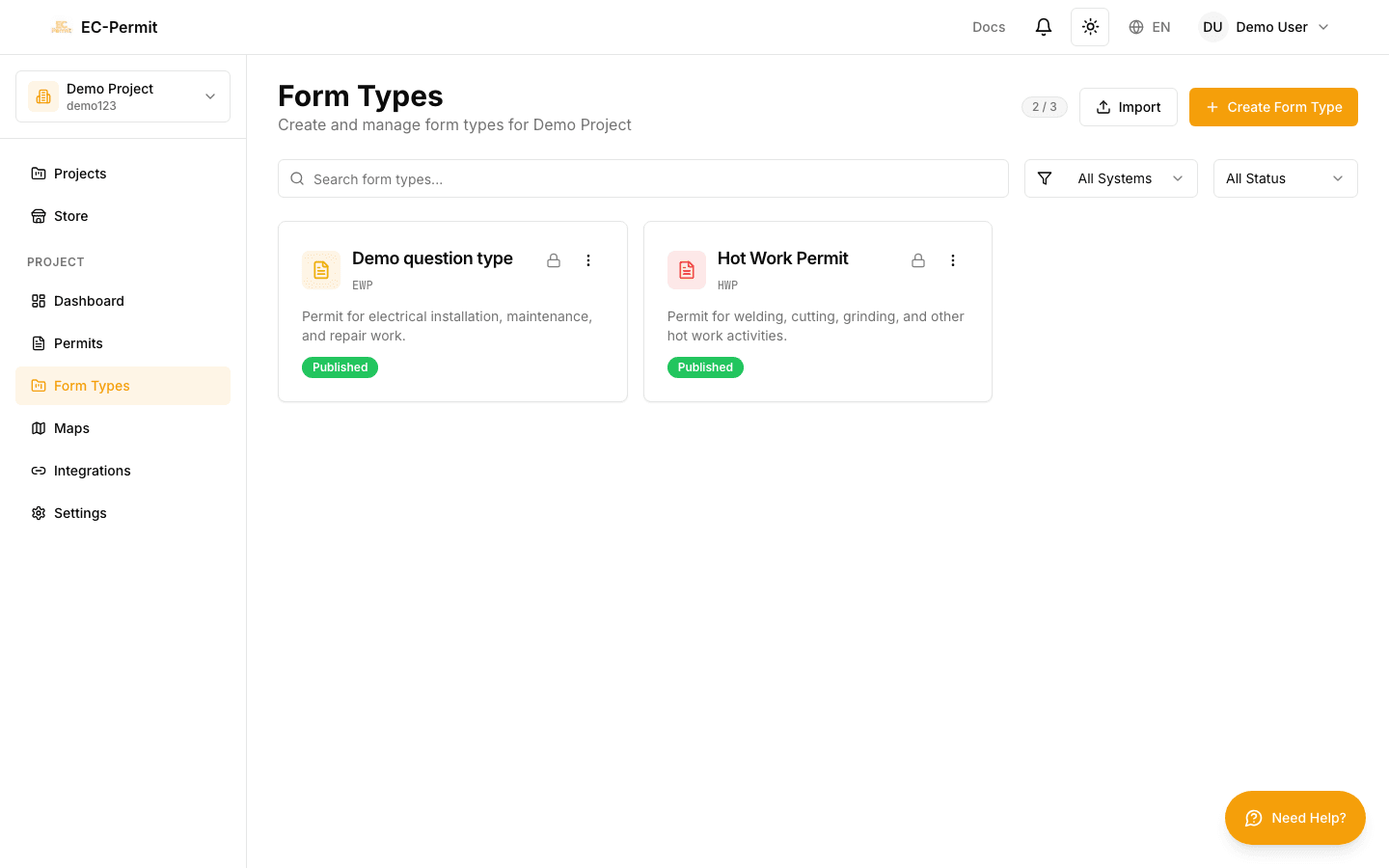
To manage form types, click Form Types in the sidebar. You'll see:

  • List of all form types in your project
  • Published vs. draft status indicators
  • Quick stats (number of forms created)
  • "Create Form Type" button

Form Type Lifecycle

DraftPublishedIn UseArchived
  • Draft: Being designed, not yet available to users
  • Published: Available for creating forms
  • In Use: Has forms created from it
  • Archived: No longer available, but existing forms preserved

Editing Published Form Types

Changes to a published form type affect all existing forms of that type. Be careful when modifying form types that are already in use.

Best Practices

Start simple

Begin with essential questions only. You can always add more later. Overly complex forms discourage usage.

Test before publishing

Create test forms as a draft to ensure the workflow works as expected before making it available to your team.

Use clear names

Give form types descriptive names that users will recognize. "Hot Work Permit" is better than "Form Type 1".

Document your workflows

Add descriptions to statuses and actions so users understand what's expected at each stage of the process.