Dashboard & Analytics
Get insights into your project's permit activity with the dashboard. Track form counts, approval rates, and team productivity.
Dashboard Overview
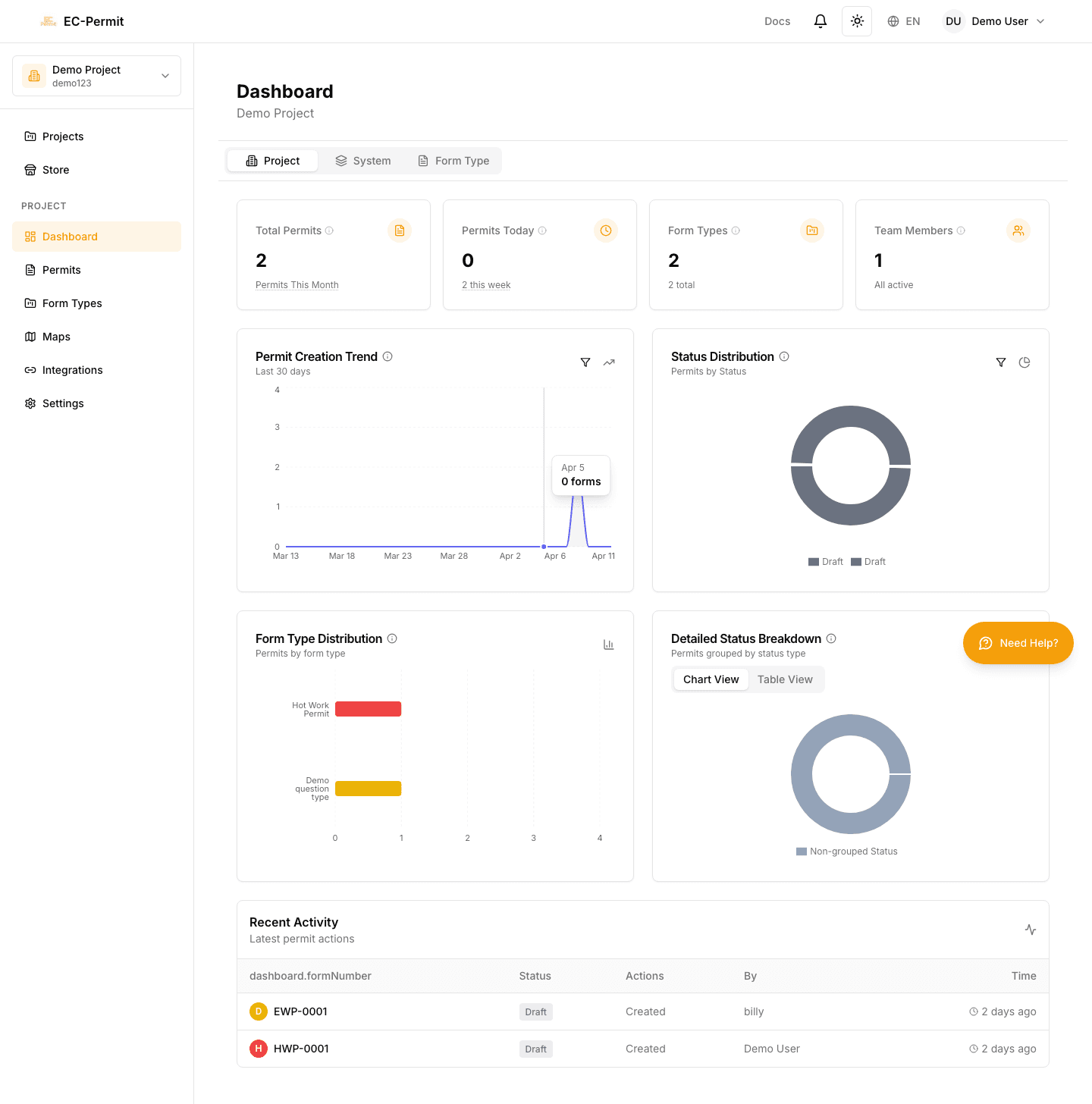
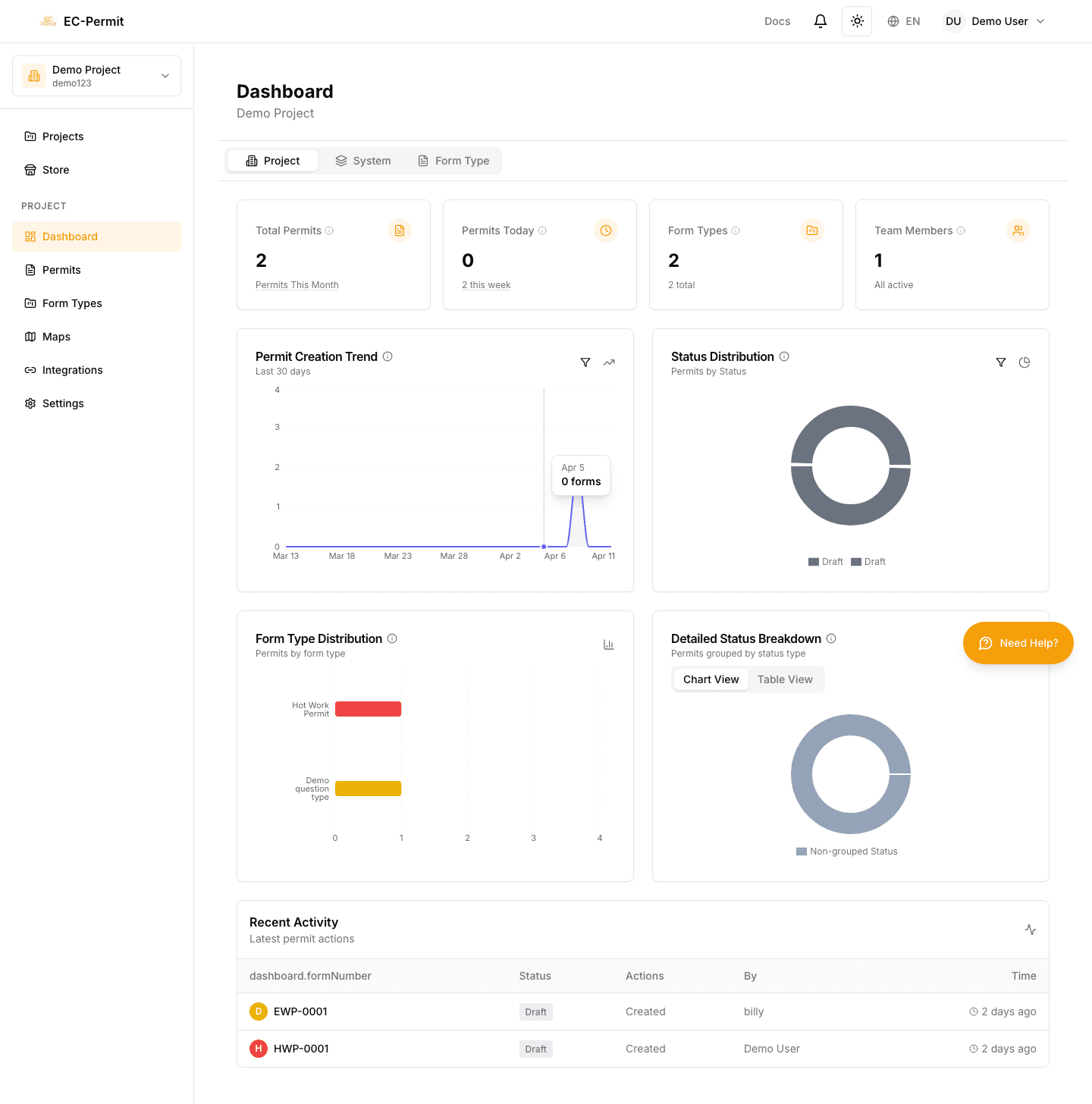
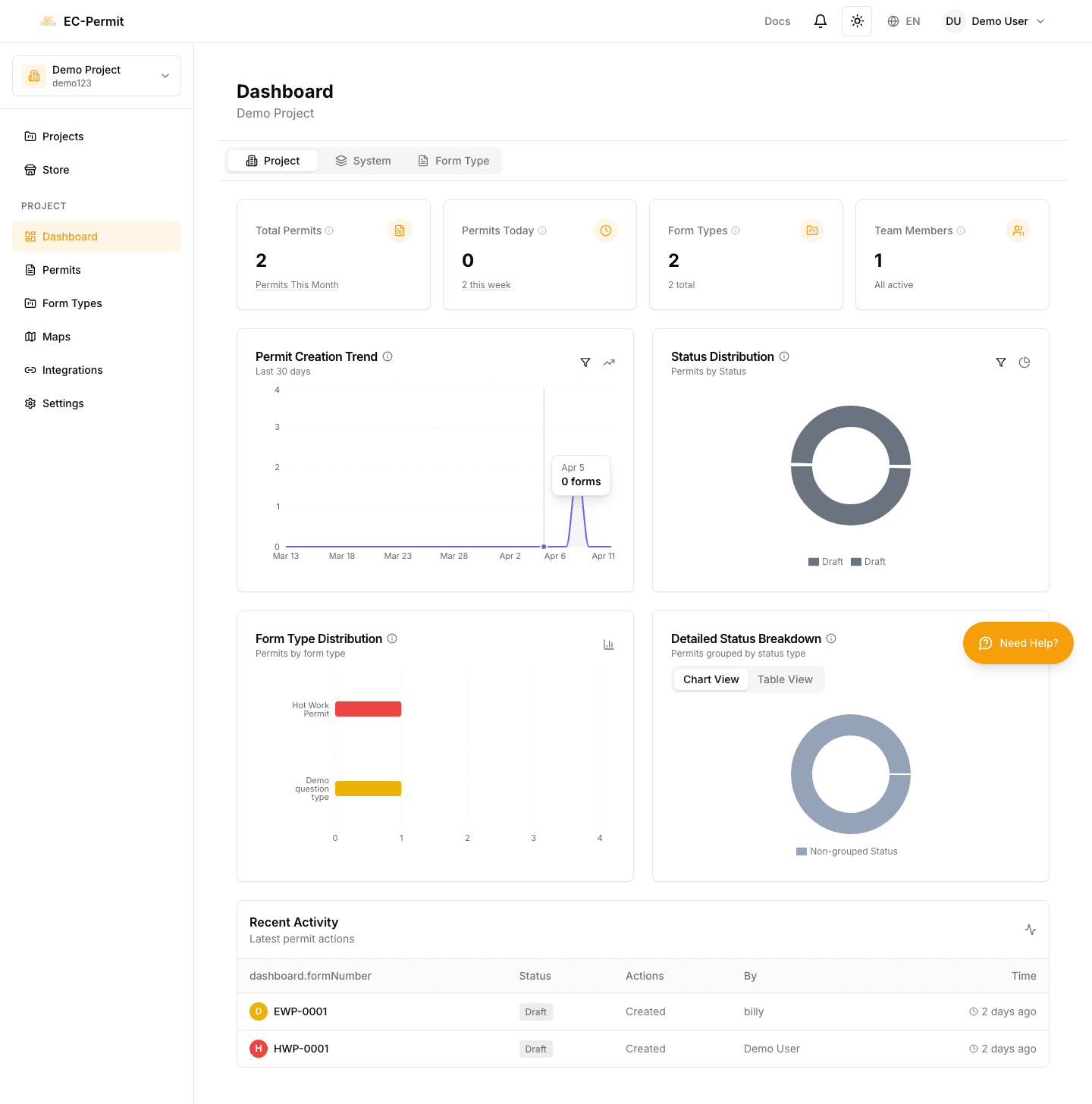
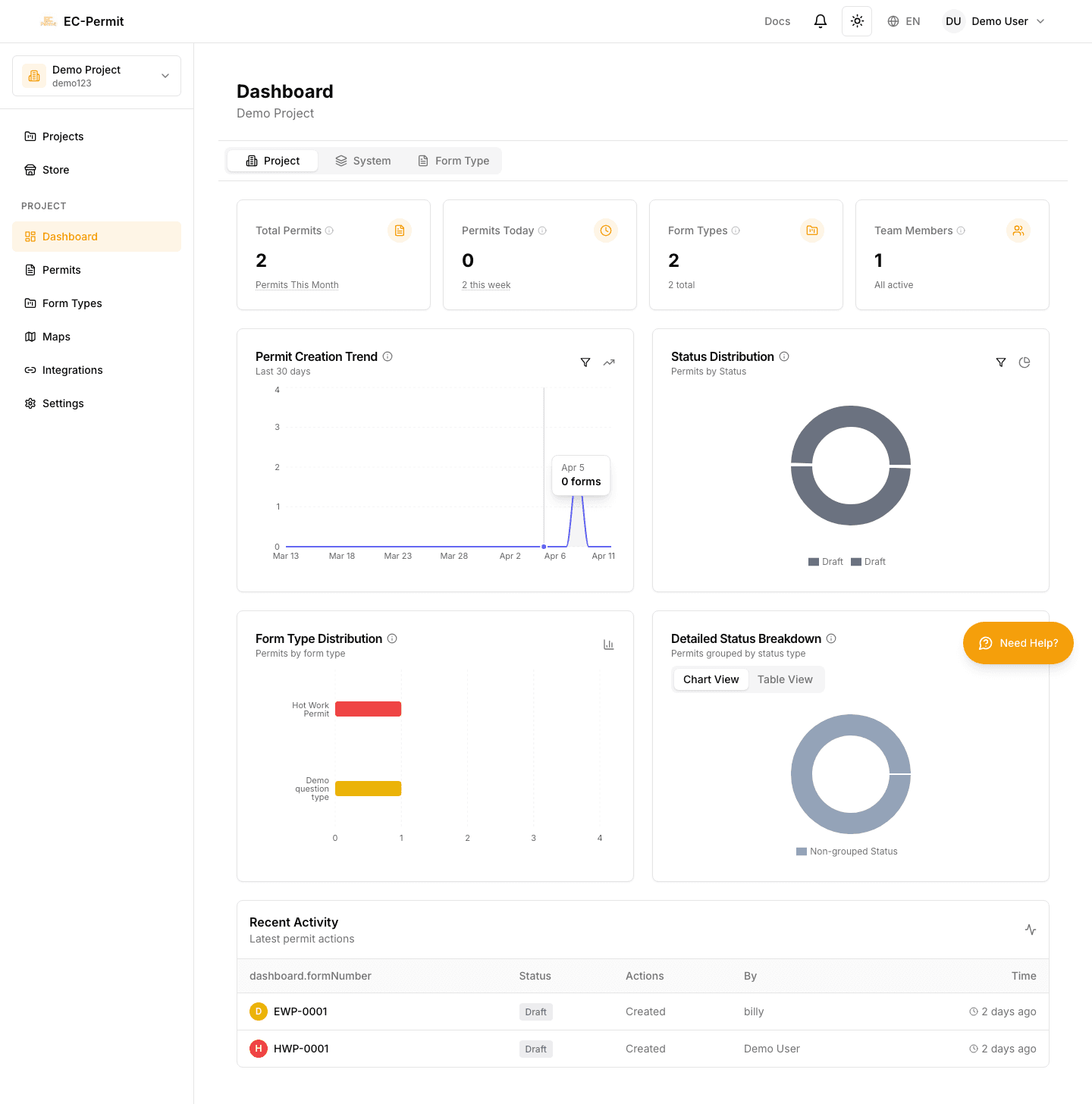
The project dashboard is the first page you see when opening a project. It provides:
Form Statistics
Total forms, forms by status, forms by type
Activity Trends
Forms created over time, approval rates
Recent Activity
Latest forms and actions taken
Status Distribution
Visual breakdown of form statuses
Key Statistics
- Total Forms
Count of all forms ever created in this project
- Forms by Status
Breakdown showing how many are draft, pending, approved, etc.
- Forms by Type
Which form types are used most
- Approval Rate
Percentage of submitted forms that get approved
- Average Time to Approve
How long forms typically wait for approval
Filtering Data
Use date filters to analyze specific periods:
- Last 7 days
- Last 30 days
- This month / Last month
- Custom date range
Charts & Visualizations
The dashboard includes interactive charts:
- Bar Chart: Forms created per day/week/month
- Pie Chart: Status distribution
- Line Chart: Trends over time
Export Data
Click on chart sections to drill down into specific data. You can also export dashboard data as CSV for further analysis.
Recent Activity Feed
The activity feed shows the latest actions across your project:
- Forms created, submitted, approved, rejected
- Who took each action and when
- Click any item to view the form