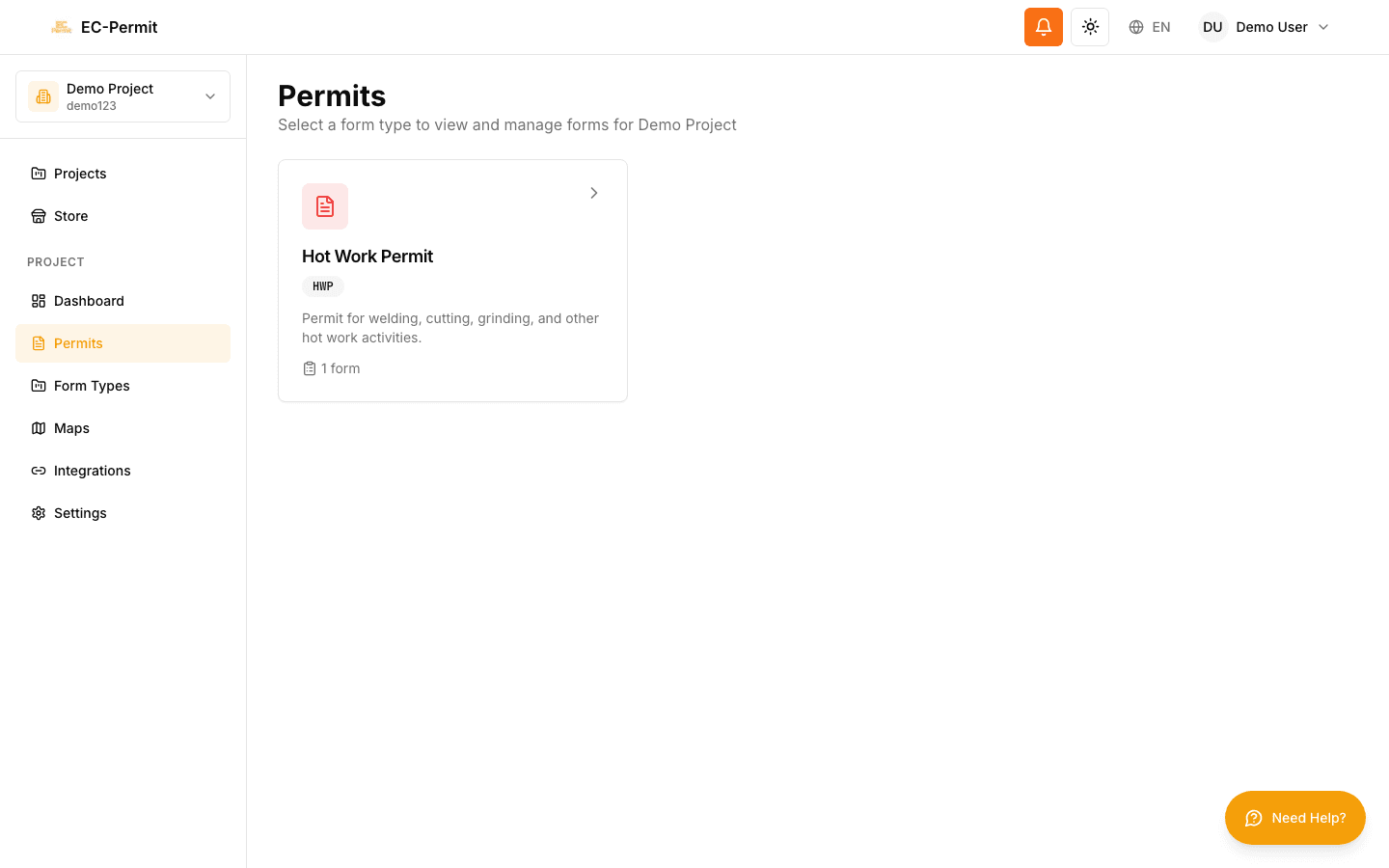
Working with Forms
Forms are the core of EC-Permit. Whether you're filling out a new permit request, reviewing a submission, or approving a form, this guide will help you work efficiently.
Understanding Forms
In EC-Permit, a form is a filled-out instance of a form type. Think of the form type as a template (e.g., "Hot Work Permit") and each form as a specific permit request.
Form Lifecycle
The exact workflow depends on how your project admin configured the form type.
Topics in This Section
Viewing Forms
Navigate form lists, use filters, search for specific forms, and access form details.
Filling Out Forms
Complete form fields, upload files, add signatures, and save your progress.
Taking Actions
Submit, approve, reject, and perform other workflow actions on forms.
Form Status Guide
Understand what each form status means and what actions are available.
Quick Start: Your First Form
Here's a quick overview of creating and submitting a form:
- 1Navigate to Forms
Click "Forms" in the sidebar to see available form types.
- 2Select a Form Type
Choose the type of form you need (e.g., "Hot Work Permit").
- 3Create a New Form
Click "Create Form" to start a new form of that type.
- 4Fill in the Fields
Complete all required fields. Your progress is saved automatically.
- 5Submit the Form
Click the "Submit" button (or equivalent action) to send for approval.
Auto-Save